
7 Proven Creative Portfolio Tips to Get Hired
Most portfolios get rejected in 30 seconds. Learn the secrets to building a creative portfolio that hooks hiring managers, showcases your process, and wins jobs.
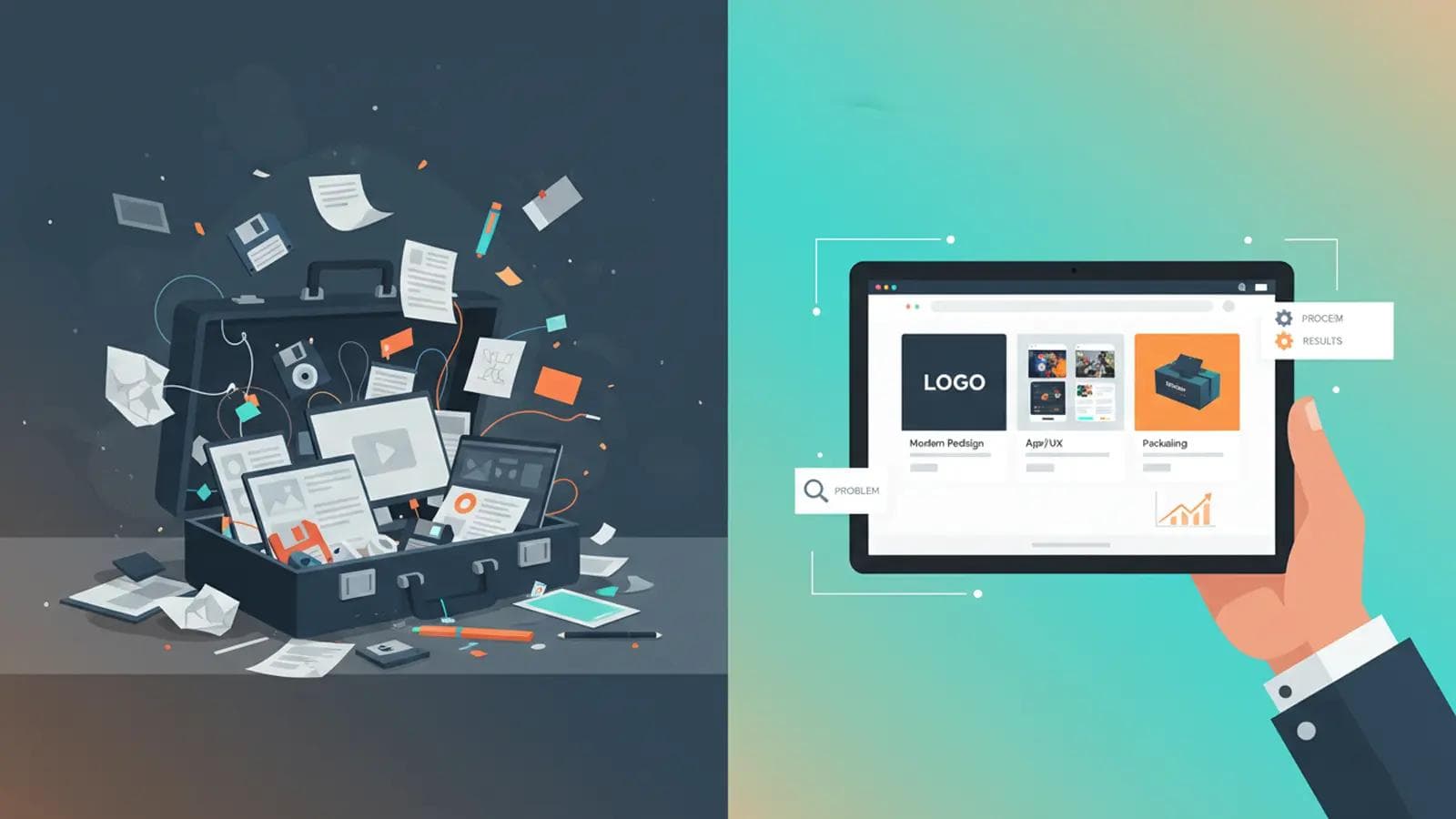
Introduction: You've spent years developing your craft. You have projects, samples, and work you're proud of. But when you apply for jobs, you hear nothing. The problem isn't your talent—it's your portfolio. Most creative portfolios make the same fatal mistakes: too much work, no context, poor presentation. Hiring managers spend 30-90 seconds looking at your portfolio. If they don't immediately see your value, you're out. This guide shows you how to build a portfolio that makes them want to hire you on the spot.
The #1 Portfolio Mistake (The "Everything" Trap)
Most creatives think: "More work = better portfolio." Wrong.
The Truth: Hiring managers don't want to see everything you've ever made. They want to see:
- Your best work.
- Work that's relevant to the job they're hiring for.
- That you can solve their specific problem.
The Rule: Less is more. 8-12 pieces of exceptional work beats 50 pieces of mediocre work.
What to Include in Your Portfolio (The Essential Elements)
Element 1: Only Your Best Work (Quality Over Quantity)
Go through all your work. Pick your top 10-15 pieces. Now cut that in half. Only show work that makes you proud and demonstrates the skills the employer needs.
The 5-Second Test: If you can't look at a piece and instantly feel proud, it doesn't belong in your portfolio. Every piece must earn its place.
Element 2: Case Studies (Not Just Pretty Pictures)
This is what separates amateurs from professionals. For each portfolio piece, include:
The Case Study Template:
1. The Problem: "The client needed [specific challenge]. Their current solution was [what wasn't working]."
2. Your Role: "I was responsible for [your specific contribution]. I worked with [team size/alone] over [timeframe]."
3. The Process: "I approached this by [your strategy]. Key decisions included [2-3 important choices you made]."
4. The Solution: "The final deliverable was [describe it]. Key features include [2-3 standout elements]."
5. The Results (This is Gold): "This resulted in [measurable outcome]. For example, [specific data: X% increase, Y new users, Z dollars saved]."
Example (Designer): "The client's e-commerce site had a 70% cart abandonment rate. I redesigned the checkout flow, reducing it to 12 steps instead of 19. This decreased abandonment to 45% and increased conversions by $50K in the first month."
Why This Works: You're not just showing pretty pictures—you're showing you understand business problems and can deliver measurable value.
Element 3: Process Work (Show Your Thinking)
Hiring managers want to see how you think, not just what you produce. Include:
- Early sketches or wireframes
- Mood boards or inspiration collages
- Iterations (Version 1 vs. Final Version)
- A brief explanation of why you made key design/creative decisions
Why This Works: It shows you're thoughtful and strategic, not just someone who uses templates or copies trends.
Element 4: Variety (Within Your Niche)
Show that you can handle different types of projects within your specialty.
Example (Writer):
- 1-2 long-form articles
- 1-2 short-form social media pieces
- 1 email sequence
- 1 landing page or sales copy
Example (Designer):
- 1-2 branding projects
- 1-2 web design projects
- 1 UI/UX project
- 1 print/packaging design
The Balance: Variety shows you're versatile, but don't go so wide that you look unfocused. A graphic designer who also has photography, videography, and music production looks scattered, not talented.
Element 5: Personal Projects (Optional But Powerful)
If you have passion projects (redesigning a favorite app, writing short stories, creating art for fun), include 1-2. This shows:
- You create for the love of it, not just for money.
- You're always learning and experimenting.
- Your personality and interests.
The Rule: Only include personal work if it's as polished and impressive as your client work.
How to Organize Your Portfolio (Structure Matters)
Option 1: By Project Type
- Branding Projects
- Web Design Projects
- Print Design Projects
Best For: Specialists (you focus on one main type of work).
Option 2: By Industry
- Healthcare Clients
- Tech Startups
- E-commerce Brands
Best For: People who specialize in a specific industry.
Option 3: Chronological (Least Recommended)
Show your newest work first. This is the least strategic but the easiest.
Option 4: "Featured" Section (Best for Beginners)
Have a "Featured" or "Best Work" section with your top 5 pieces on the homepage. Then have a "More Work" section for the rest.
Why This Works: The hiring manager sees your best immediately. If they want more, they can dig deeper.
Portfolio Platforms: Where to Host It
For Designers:
- Behance (Free, huge community, good for discoverability)
- Dribbble (Invite-only, premium feel, great for getting noticed by agencies)
- Adobe Portfolio (Comes free with Adobe CC, easy to set up)
- Personal Website (Most professional, shows you can build a site)
For Writers:
- Personal Website/Blog (Best option—shows your writing and your ability to build an audience)
- Medium (Good for discoverability but less professional)
- Contently (Designed for freelance writers)
For Photographers/Videographers:
- Personal Website (Squarespace, Wix, or WordPress)
- Vimeo (For video)
- 500px or Flickr (For photography)
The Multi-Platform Strategy: Have a personal website as your "home base," then use platforms like Behance or Dribbble as discovery channels that link back to your main site.
Portfolio Presentation Best Practices
Rule 1: Lead With Your Strongest Piece
Your first project is your "hook." If it doesn't grab them, they won't scroll.
Rule 2: High-Quality Images
- Minimum 1920px wide for web portfolios
- Use mockups to show your work in context (e.g., website design shown on a laptop mockup, logo on a business card)
- No blurry, pixelated, or poorly lit images
Rule 3: Keep Descriptions Short
- 50-150 words per project.
- Use bullet points, not paragraphs.
- Hiring managers skim—make it easy to read fast.
Rule 4: Include a Clear CTA (Call to Action)
Every page should have a way to contact you:
- "Let's Work Together" button
- Contact form
- Email address (use a professional email, not [email protected])
Rule 5: Make It Mobile-Friendly
40% of portfolio views happen on mobile. If your site is clunky on phones, you're losing opportunities.
What NOT to Include in Your Portfolio
1. Student Work (Unless You're a Recent Grad) If you've been working professionally for 2+ years, ditch the school projects.
2. Outdated Work That logo you designed in 2015 using Comic Sans? It's time to let it go.
3. Work You're Not Proud Of Even if you got paid, if you cringe looking at it, don't include it.
4. NDA-Protected Work (Without Permission) Never break a client NDA. If the work is confidential, either get written permission to include it, anonymize it ("Redesign for a Fortune 500 Healthcare Company"), or leave it out.
5. Unfinished Projects Unless you're specifically showing "process," don't include half-baked ideas.
Portfolio Mistakes That Cost You Jobs
Mistake 1: No Contact Info Your portfolio is beautiful but there's no "Hire Me" button or email. They move on.
Mistake 2: Broken Links A hiring manager clicks a project and gets a 404 error. You look unprofessional and careless.
Mistake 3: Too Much Text Each project has 500 words of explanation. Nobody reads it. Keep it short.
Mistake 4: Generic Design Your portfolio (the container) should also showcase your skills. A graphic designer with an ugly, default template portfolio is a red flag.
Mistake 5: No Story You show work but don't explain the problem you solved or the results you delivered. It looks pretty but means nothing.
The "About Me" Page (Make It Human)
Don't just list your tools and awards. Make it personal.
Include:
- A professional photo (smiling, approachable)
- A 2-3 paragraph story: Who you are, what you do, why you love it
- Your "origin story" (what got you into this field)
- A fun fact or hobby (humanizes you)
Example: "I'm a brand designer who helps small businesses look like million-dollar companies. I got hooked on design after accidentally signing up for a Photoshop class in college (I thought it was photography). When I'm not designing, I'm hiking with my dog or hunting for vintage vinyl records."
How to Update Your Portfolio (The Maintenance Plan)
Your portfolio is not a "set it and forget it" asset.
The Update Schedule:
- Every 3 Months: Add 1-2 new projects. Remove your weakest pieces.
- Every 6 Months: Review your case studies. Update any broken links.
- Yearly: Redesign or refresh your portfolio design itself.
The Rule: If you haven't updated your portfolio in over a year, you look stale.
Conclusion: Your Portfolio is Your 24/7 Sales Rep
Your portfolio works for you while you sleep. It's pitching you to hiring managers, clients, and collaborators around the world. But only if it's built right. Curate your best work, write compelling case studies, show your process, and make it easy to hire you. Your portfolio is not a museum of everything you've ever made. It's a strategic sales tool. Treat it like one.
Frequently Asked Questions
Create spec work or passion projects. Redesign a website you hate. Create branding for a fake company. Write articles on topics you're passionate about. The work doesn't have to be "paid" to be good. It just has to demonstrate your skills.
No. Pricing is contextual (scope, timeline, client budget). If you list "$500 for a logo," you'll either scare away clients (too expensive) or undersell yourself (too cheap). Discuss pricing during the consultation call.
Written by Daily Motivation Team
Sharing motivational content to inspire your journey to success.
Related Articles
 stoic
stoicStoic Quotes on Discipline: Where Stoicism Meets Self-Mastery
Discover powerful stoic quotes on discipline from Marcus Aurelius, Seneca, and Epictetus — plus how to apply them today.
 stoic
stoicBest Stoic Quotes for Hard Times: Wisdom for Modern Struggles
Powerful Stoic quotes for hard times from Marcus Aurelius, Seneca & Epictetus — wisdom that turns adversity into strength.
 stoic
stoicBest Stoic Quotes for Beginners: Where to Start Your Practice
Discover the best stoic quotes for beginners and a simple 7-day plan to turn ancient wisdom into daily practice.
 manifestation
3 6 9 Method: A Complete Guide
Learn how the 3 6 9 method rewires your focus and turns daily journaling into a powerful manifestation ritual.