
Free Motivational Wallpapers
Browse 900+ free HD wallpapers across 9 categories — gym, study, career, entrepreneur, creativity, self-growth, discipline, stoic, and manifestation. Download for iPhone, Android, and desktop. Or make your own in 30 seconds.
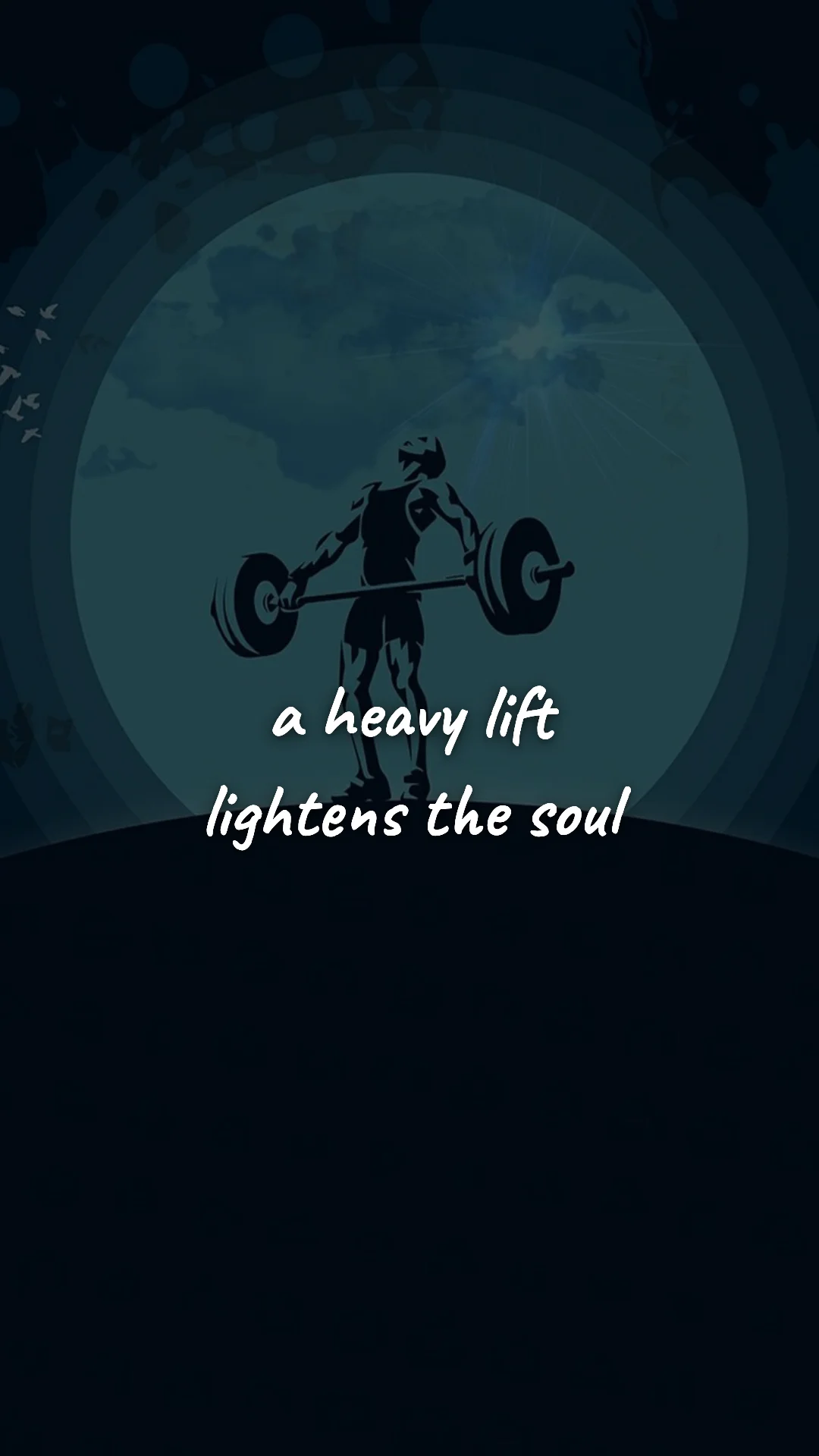
Gym & Fitness Motivation
100 wallpapers
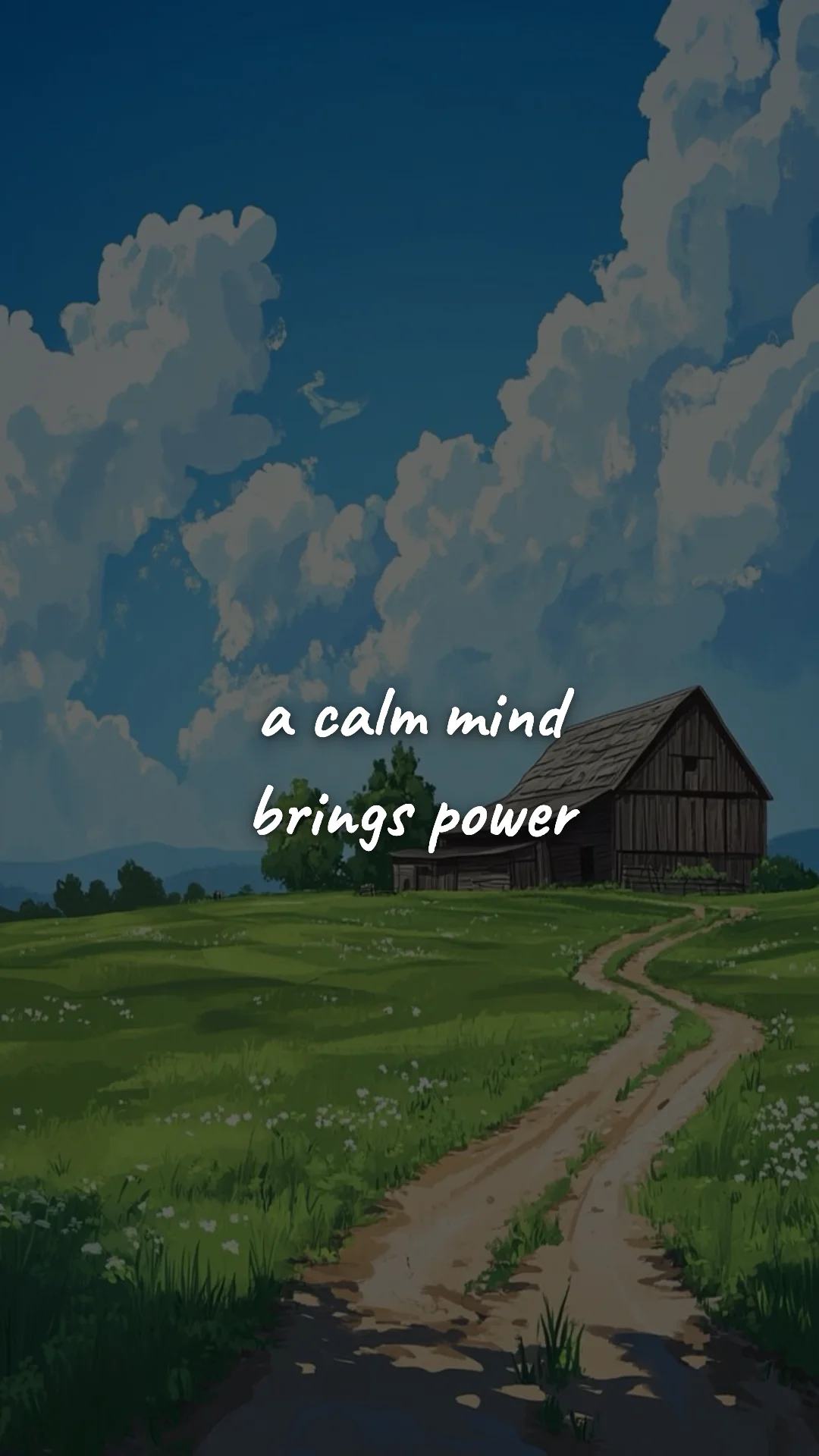
Discipline & Self-Growth
100 wallpapers
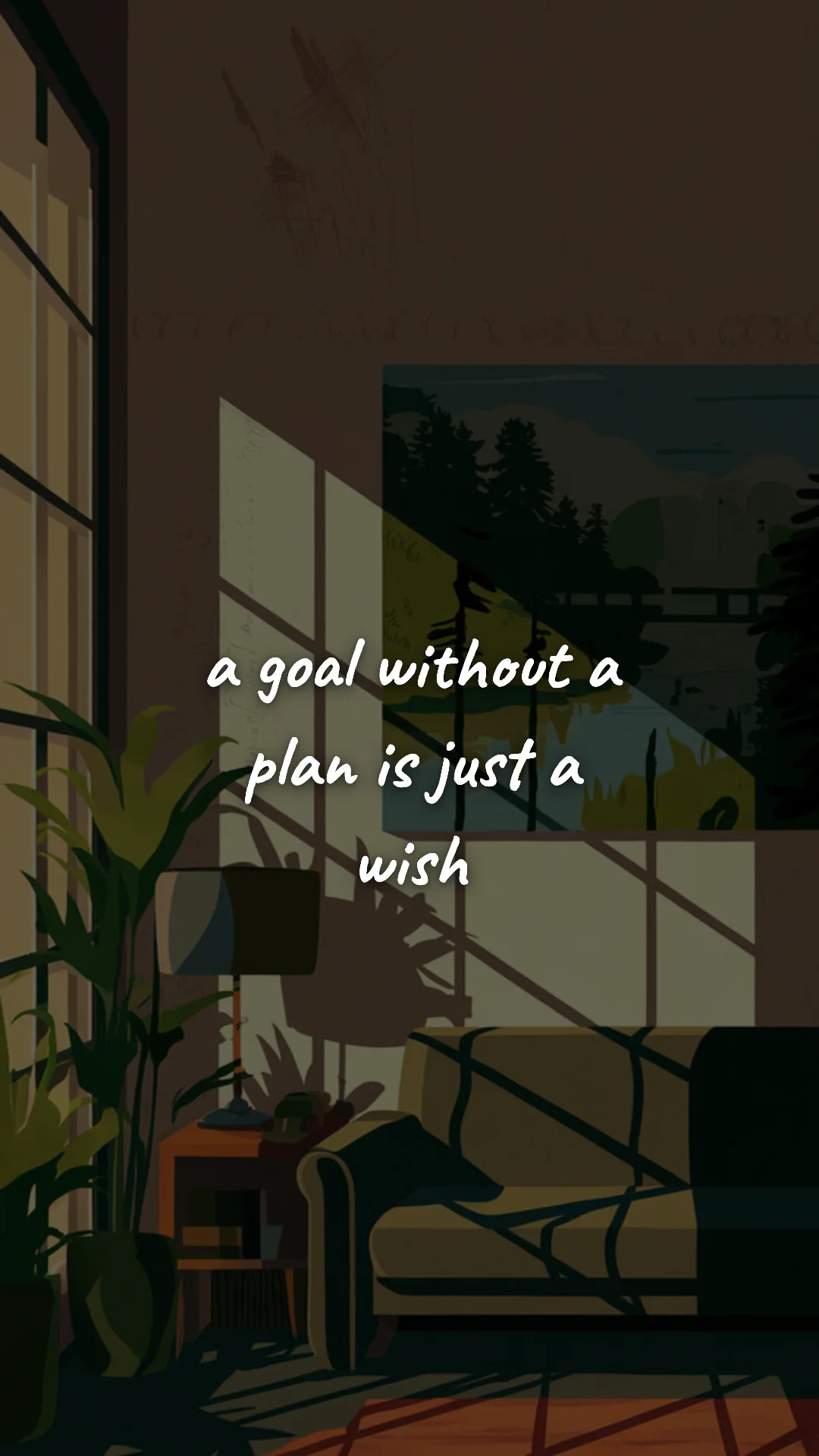
Study & Student Motivation
100 wallpapers
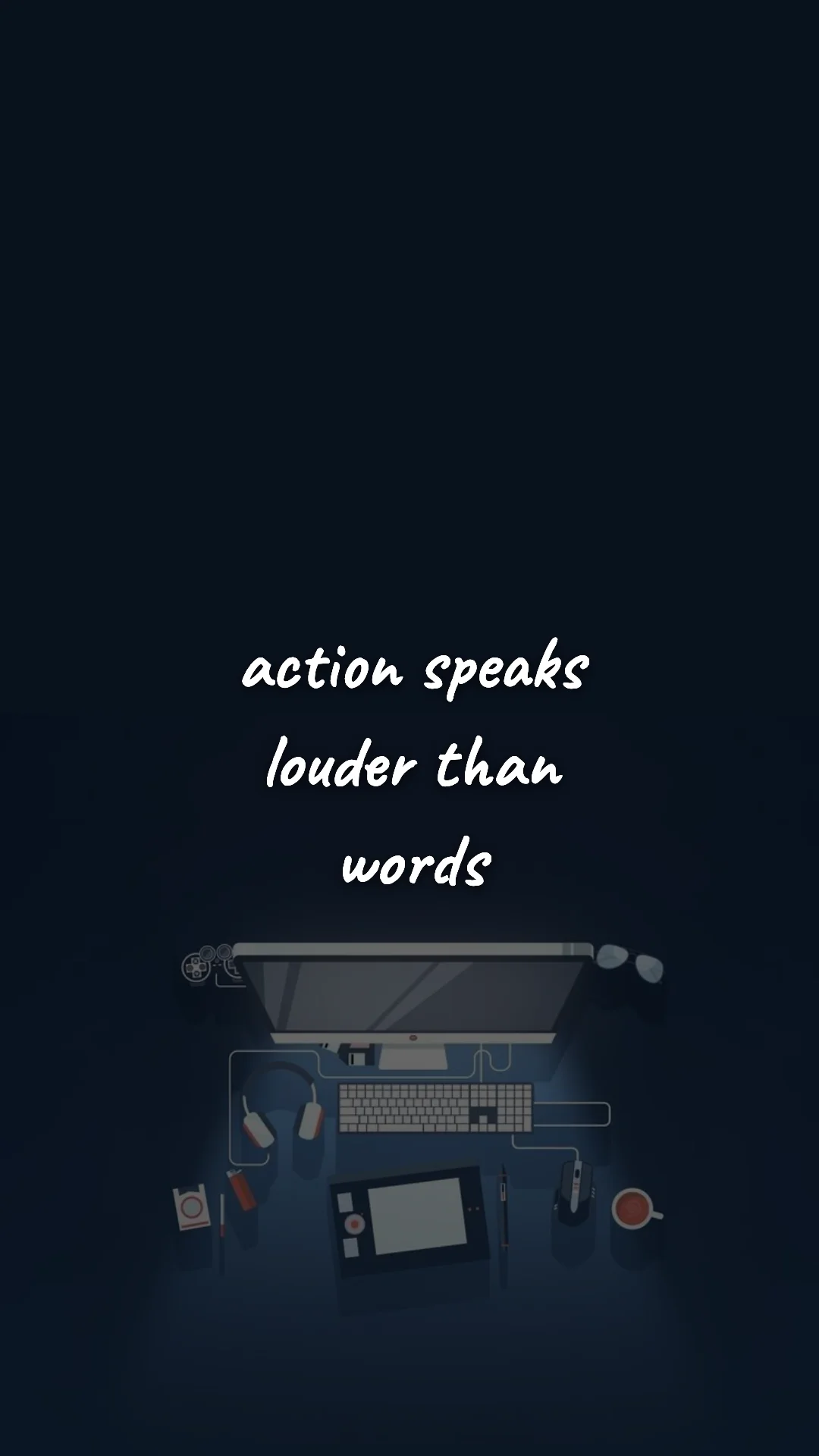
Career Motivation
100 wallpapers
Entrepreneur Motivation
100 wallpapers
Creative Motivation
100 wallpapers
Discipline & Mental Toughness
100 wallpapers
Stoic Philosophy & Daily Wisdom
100 wallpapers
Manifestation & Vision
100 wallpapers
Themed Wallpaper Collections
Lock Screen Quotes
Short quotes designed to read at a glance.
Lock-In Wallpapers
Focus, discipline, deep work, and study cues.
Career Success Wallpapers
Work motivation for promotion, job hunts, and growth.
369 Manifestation Wallpapers
Affirmation and vision backgrounds for daily intention.
Dark Wallpapers
Bold quotes on black aesthetic backgrounds — great on OLED.
iPhone Wallpapers
Lock & home screen picks optimized for iPhone and iOS 27.
Free Motivational Wallpapers for Every Goal
Every wallpaper in this gallery is free, designed for both phone (1080×1920) and desktop (1920×1080), and built around a single quote that hits harder the more often you see it. Whether you're grinding through gym sessions, building discipline, studying for finals, climbing the career ladder, launching something of your own, or doing creative work — the right wallpaper turns your phone and laptop into quiet partners in the work.
Pick a category to browse, or use our quote wallpaper maker to design your own in under a minute. No signup, no watermark, no payment.
How to Pick the Wallpaper That Actually Works
The wallpaper that works best for you isn't the prettiest or the most popular — it's the one that addresses your current sticking point. The match between the quote and your real problem matters more than the design.
- If you keep abandoning routines after two weeks → pick a consistency quote from Discipline & Self-Growth.
- If you spiral after one setback → pick a resilience quote (never-give-up wallpapers).
- If you procrastinate before workouts → pick a start-now quote from Gym & Fitness Motivation.
- If you're in exam season → pick a focus quote from Student Motivation.
- If you're job-hunting or chasing a promotion → pick a self-worth quote from Career Motivation.
- If you're building something of your own → pick a grit quote from Entrepreneur Motivation.
- If you're stuck in a creative rut → pick a permission quote from Creativity.
Phone vs Desktop: Right Size, Right Place
Every wallpaper in this gallery is 1080×1920 (portrait, 9:16) — the standard for iPhone, Android, and tablets in vertical orientation. That resolution is sharp on every modern phone, including iPhone 17 Pro Max and Galaxy S25 Ultra, because the system auto-scales as needed.
For a true 1920×1080 widescreen desktop wallpaper, use the wallpaper maker in Desktop mode. Phone-format wallpapers also work great as a side-monitor wallpaper or as a vertical accent on widescreen setups, so don't feel locked in to one device.
Lock Screen vs Home Screen: Different Jobs
Your lock screen is seen 80–100 times per day, often for less than a second. That means short, high-contrast quotes win — anything that reads at a glance. Long, philosophical lines are wasted on the lock screen. Save those for the home screen, where your eyes linger longer.
A practical split: use the lock screen for behavioral cues ("Do the work even when you don't feel like it") and the home screen for identity reminders ("You're building someone who finishes things"). The lock screen punches you out of autopilot; the home screen reinforces who you're becoming.
We've curated 36 lock-screen-optimized quotes in a dedicated collection — short, behavioral, and built to read at a glance: Lock Screen Quote Wallpapers →
How to Set a Motivational Wallpaper
- Pick a category above and find a wallpaper you connect with.
- Tap or right-click to save the image to your phone or computer.
- iPhone (iOS 16+): Settings → Wallpaper → Add New Wallpaper → Photos. Choose Lock Screen, Home Screen, or both.
- Android: long-press the saved image → "Set as wallpaper" → choose Lock Screen / Home Screen / both.
- Desktop (Windows): right-click the saved file → "Set as desktop background".
- Desktop (macOS): drag the file onto Desktop & Screen Saver in System Settings.
The Science: Why Phone Wallpapers Change Behavior
Behavioral scientists call this an environmental trigger — a visual prompt that bypasses willpower and activates an intended action. The average person unlocks their phone roughly 96 times per day, which means 96 micro-reminders of why you started, what you're building, and what discipline actually looks like.
Most goals fail not because the plan is wrong but because motivation fades before habits lock in. A wallpaper is a small piece of environmental design that fights back against that fade. It's passive, free, requires no willpower to use, and works while you sleep — the same psychological principle that printed gym signs, locker-room banners, and Post-it notes on bathroom mirrors have used for decades.
One catch: habituation. Even great quotes fade when your eyes stop seeing them. The fix is to rotate every 2–4 weeks. Set a calendar reminder on the first of each month to come back here and swap the wallpaper. The act of choosing a new quote is itself a small ritual that reaffirms the goal.
Best Fonts for Motivational Wallpapers
Bold sans-serif fonts (Oswald, Montserrat, Inter) read fastest and feel disciplined — best for lock-screen quotes and gym-motivation wallpapers. Serif fonts (Playfair Display, Cormorant) feel more contemplative — better for self-growth, creativity, and recovery-day quotes. Handwritten fonts feel personal but lose readability at glance distance, so save them for home screens rather than lock screens.
Color contrast matters more than aesthetics. You'll see your wallpaper in bright outdoor light, low gym light, locker-room fluorescents, and 2 a.m. screen glare — high-contrast text (white or off-white on dark backgrounds) stays readable across all of them. Pretty gradient wallpapers are popular on social media but often fail the "can I read this at a glance" test.
Make Your Own Custom Wallpaper
Your most powerful motivational wallpaper is probably a sentence only you would write — something from a coach, a therapist, a journal entry, a parent. The free quote wallpaper maker turns any text into a wallpaper in about 30 seconds. Pick phone or desktop size, type your quote, choose a font and background, then download in HD. No signup, no watermark, no payment.
Frequently Asked Questions
Yes — every wallpaper in this gallery is 100% free. No signup, no watermark, no payment, no email required. Download as many as you want and use them on your phone, tablet, or desktop.
All gallery wallpapers are 1080×1920 (portrait, 9:16) — sized for iPhone, Android, and lock screens. For a true desktop wallpaper (1920×1080 landscape), use our free wallpaper maker and select Desktop mode.
Yes. 1080×1920 is the standard resolution for iPhone 15, 16, 17 (including 17 Pro, 17 Pro Max, iPhone Air and 17e) and most Android phones — the system auto-scales as needed. For Pro Max devices with higher native resolution, the image is still crisp due to the source quality.
Long-press any wallpaper to save it to Photos. Then open Settings → Wallpaper → Add New Wallpaper → Photos. Choose Lock Screen, Home Screen, or both. iOS 16+ lets you create multiple wallpaper sets so you can rotate quotes.
Long-press the image in your gallery and tap "Set as wallpaper". Most launchers let you choose Home Screen, Lock Screen, or both. Samsung Good Lock can even schedule different wallpapers throughout the day.
Yes. Our free quote wallpaper maker lets you turn any text into a wallpaper in under a minute. Pick phone or desktop size, type your quote, choose a font and background, then download in HD — no signup or watermark.
Match the category to your current sticking point: Gym & Fitness for workout consistency, Discipline & Self-Growth for routines and resilience, Student Motivation for exam season, Career for job-search and promotions, Entrepreneur for startup grind, Creativity for artists and writers fighting blocks.
Every 2 to 4 weeks. Even great quotes fade when your eyes stop noticing them — a phenomenon called habituation. Rotating wallpapers monthly keeps the message fresh and active in your awareness.