
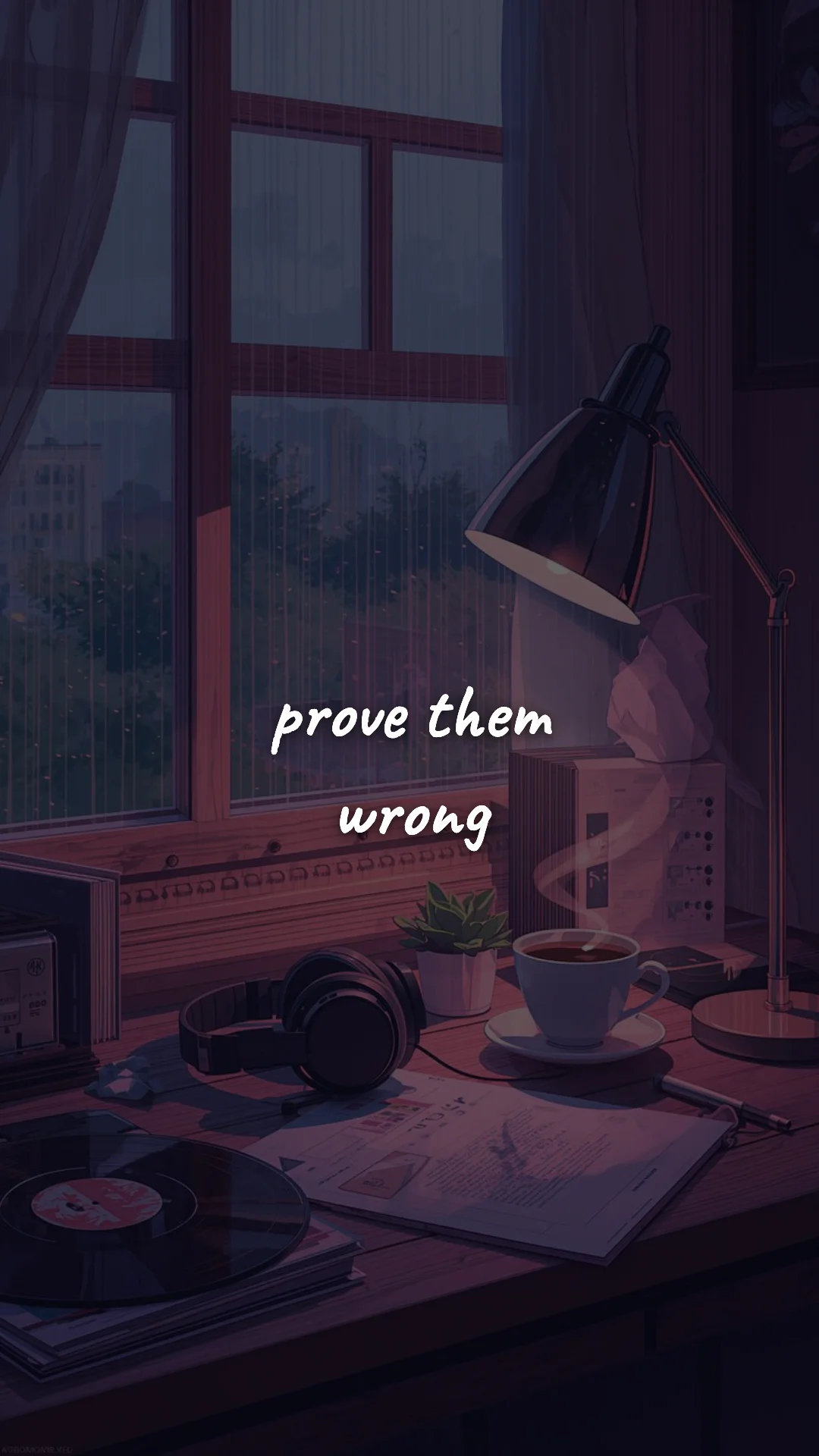
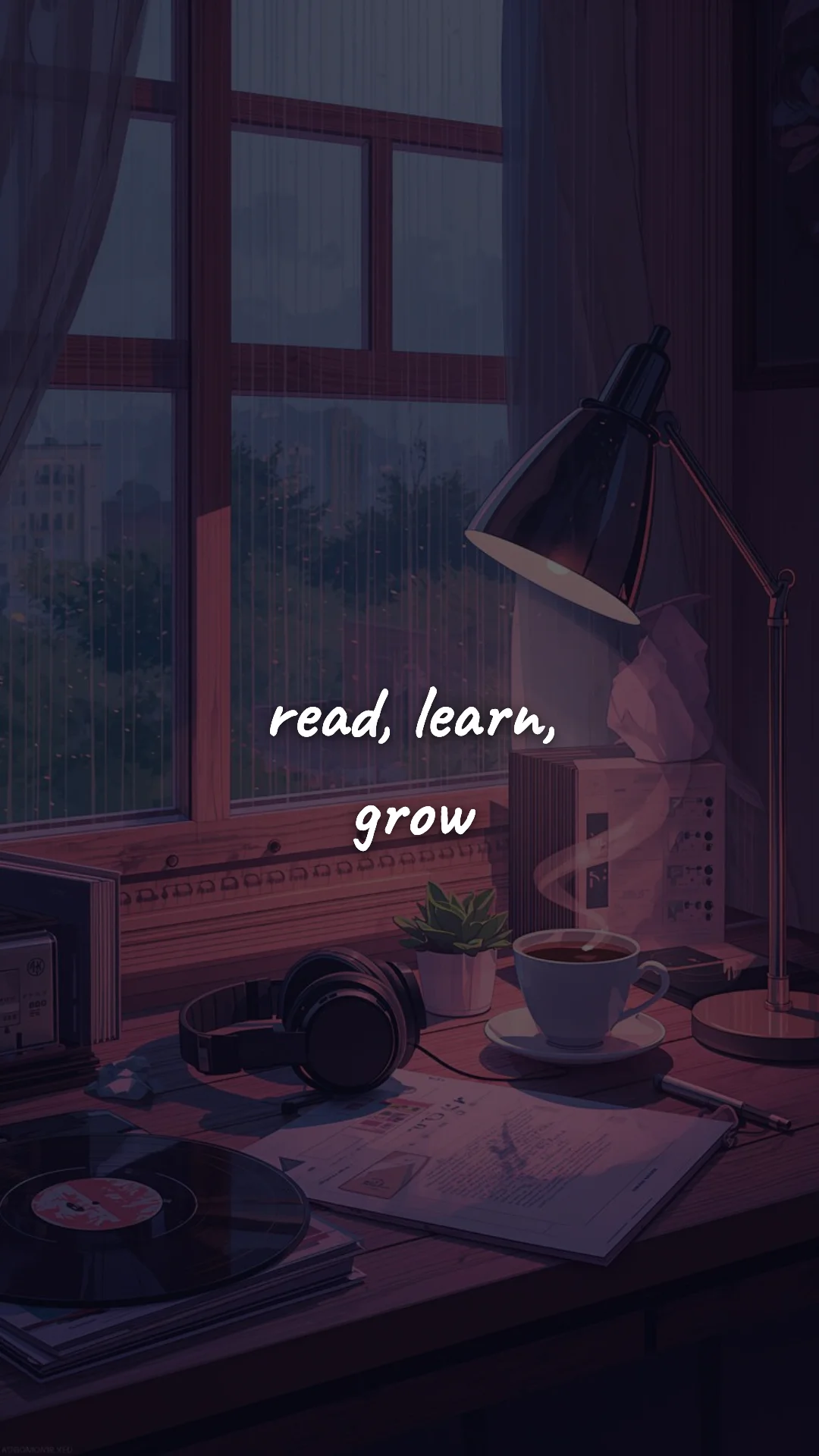
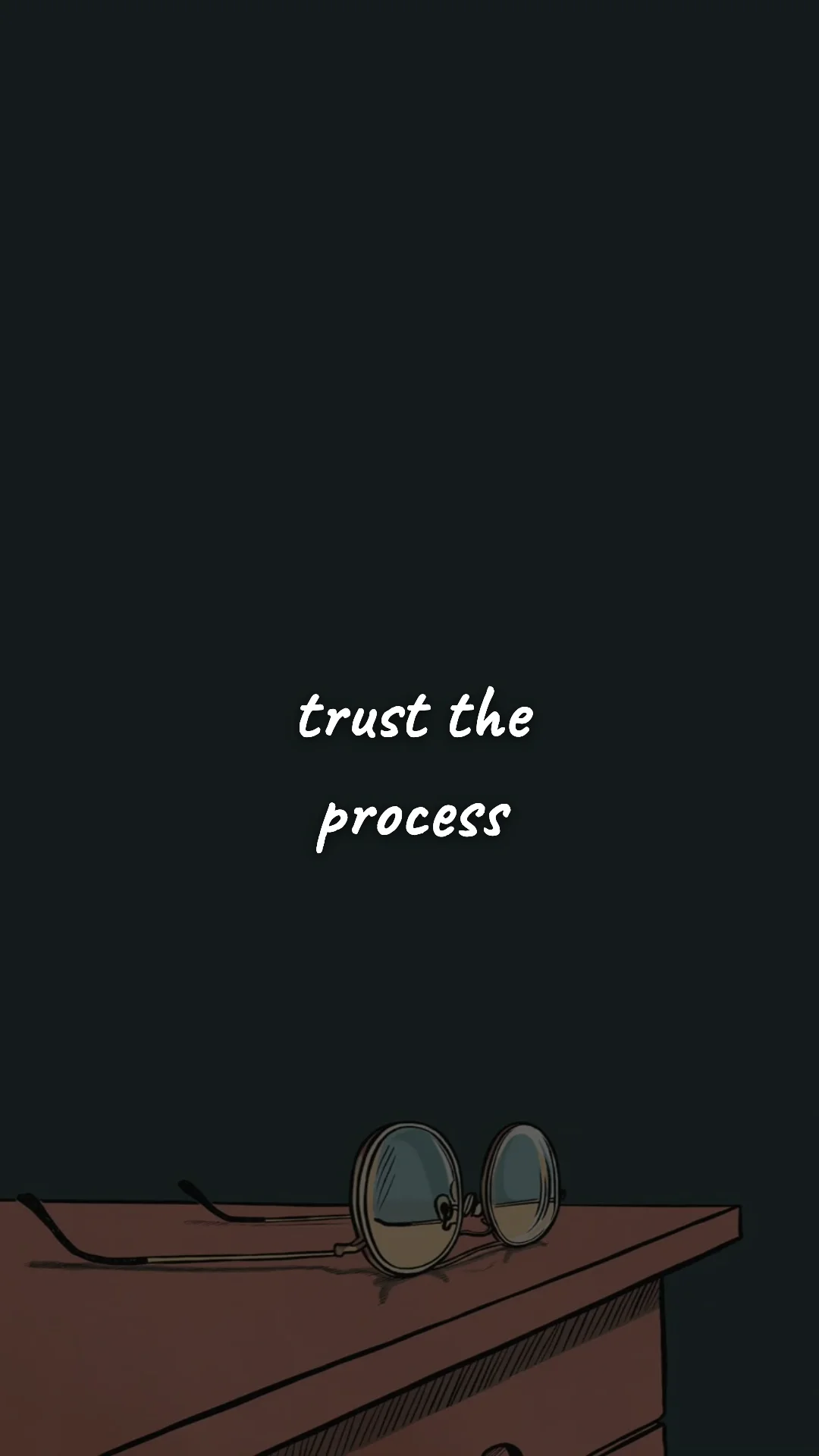
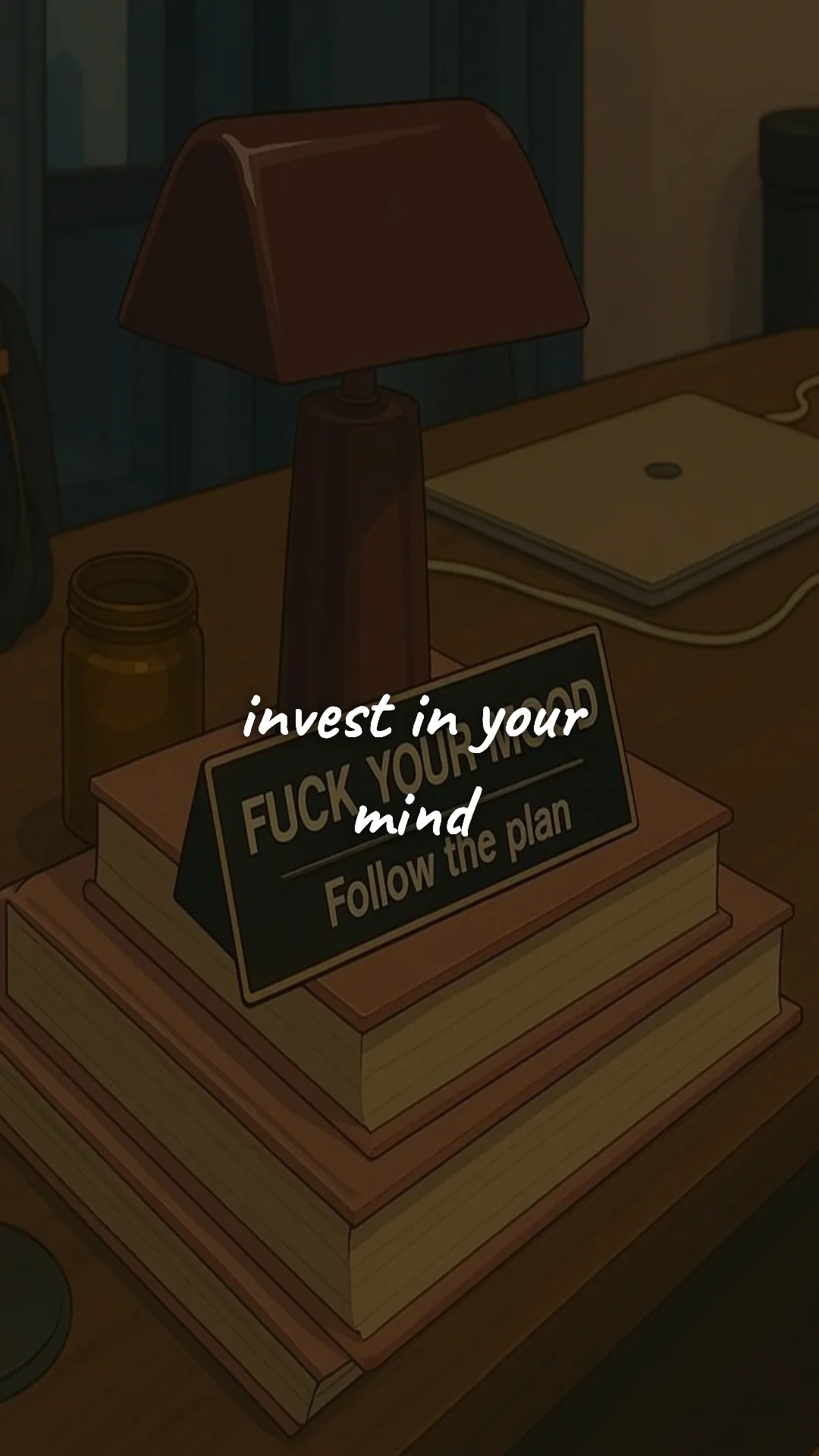
Why Lock Screen Quotes Work (When the Right Ones Are on There)
The average person checks their phone about 96 times a day. That's 96 micro-moments when something flashes in front of you for less than a second — long enough for your brain to register the words but not long enough to think them through. Behavioral scientists call this an environmental trigger: a passive cue that activates an intended action without requiring willpower.
A motivational quote on your lock screen is one of the cheapest and most powerful environmental triggers you can install. It costs nothing, runs while you sleep, and reaches you in the exact moments motivation is usually leaking out — right before you doomscroll, right when you're about to skip the workout, right when the alarm goes off and you're negotiating with yourself.
What Makes a Quote Good for a Lock Screen?
Three rules separate lock-screen quotes that work from quotes that fade into the background:
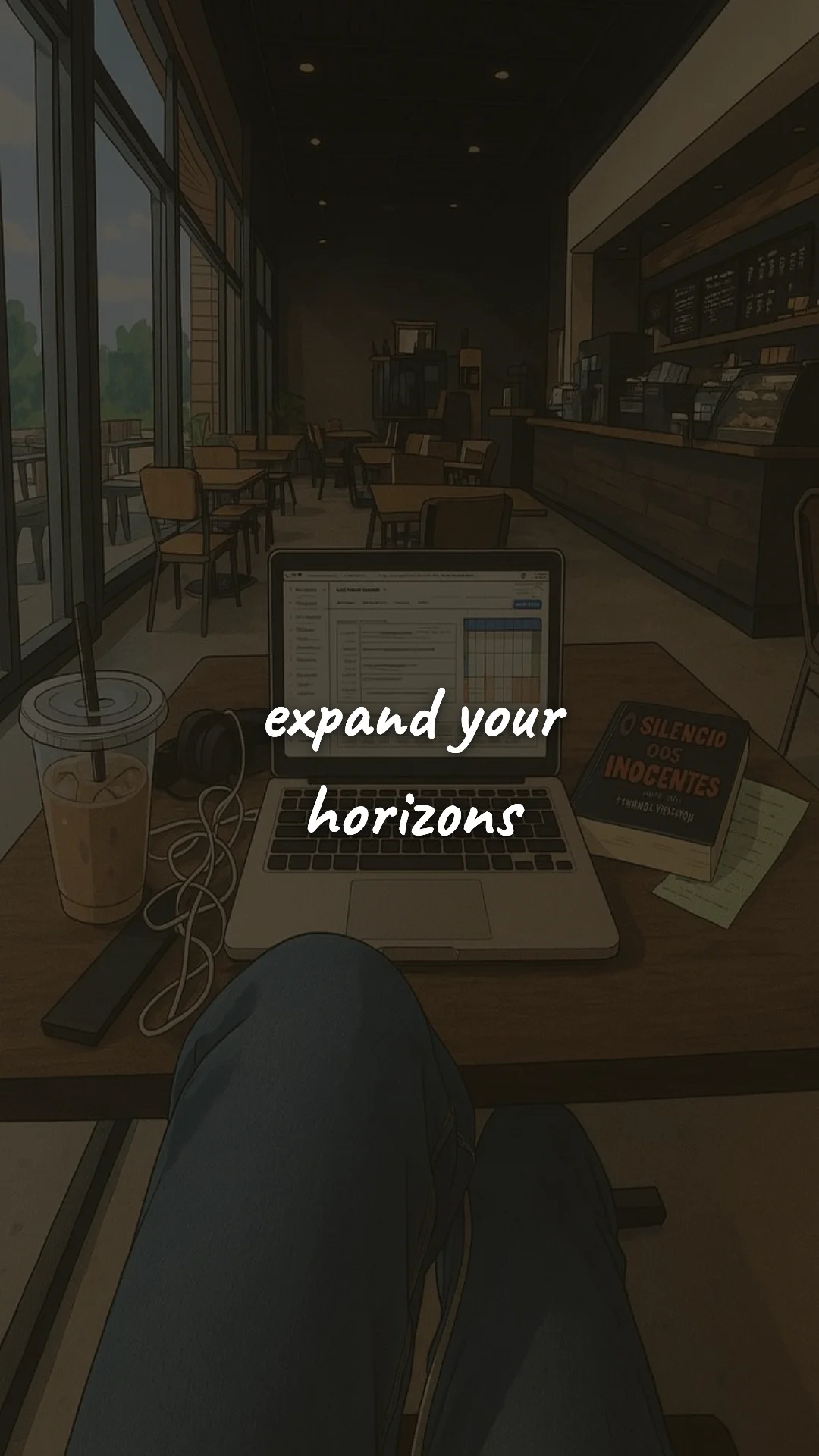
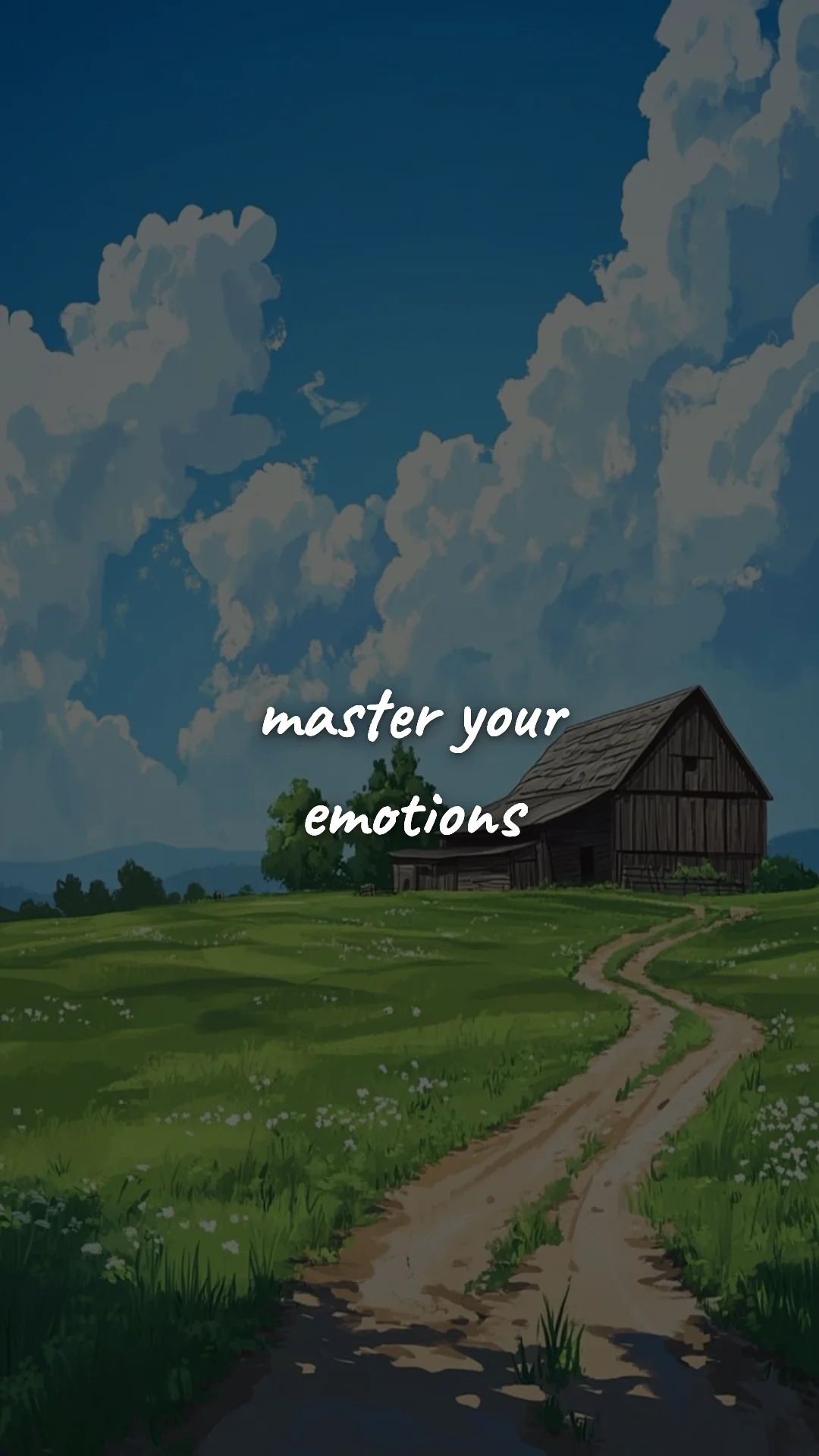
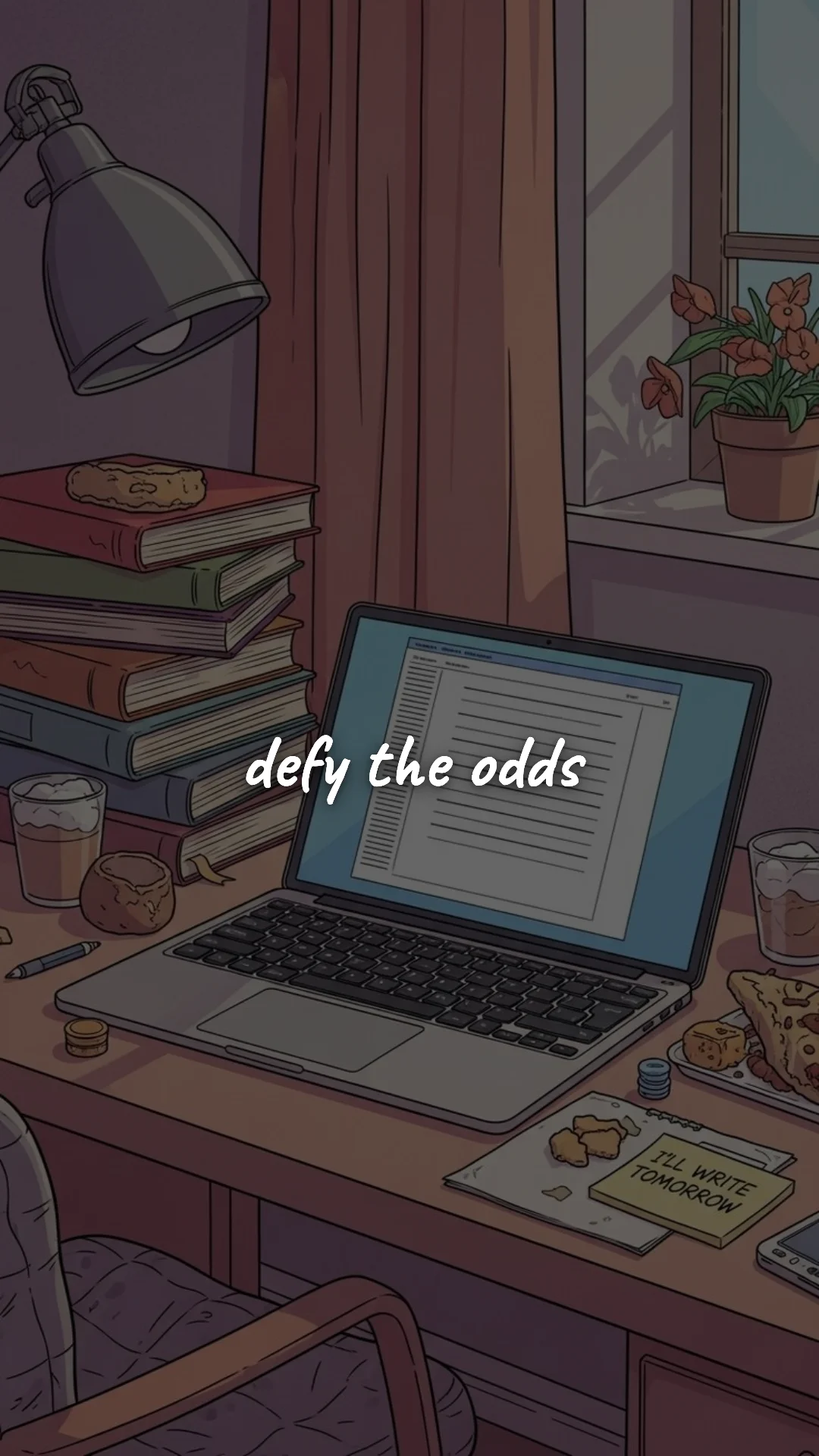
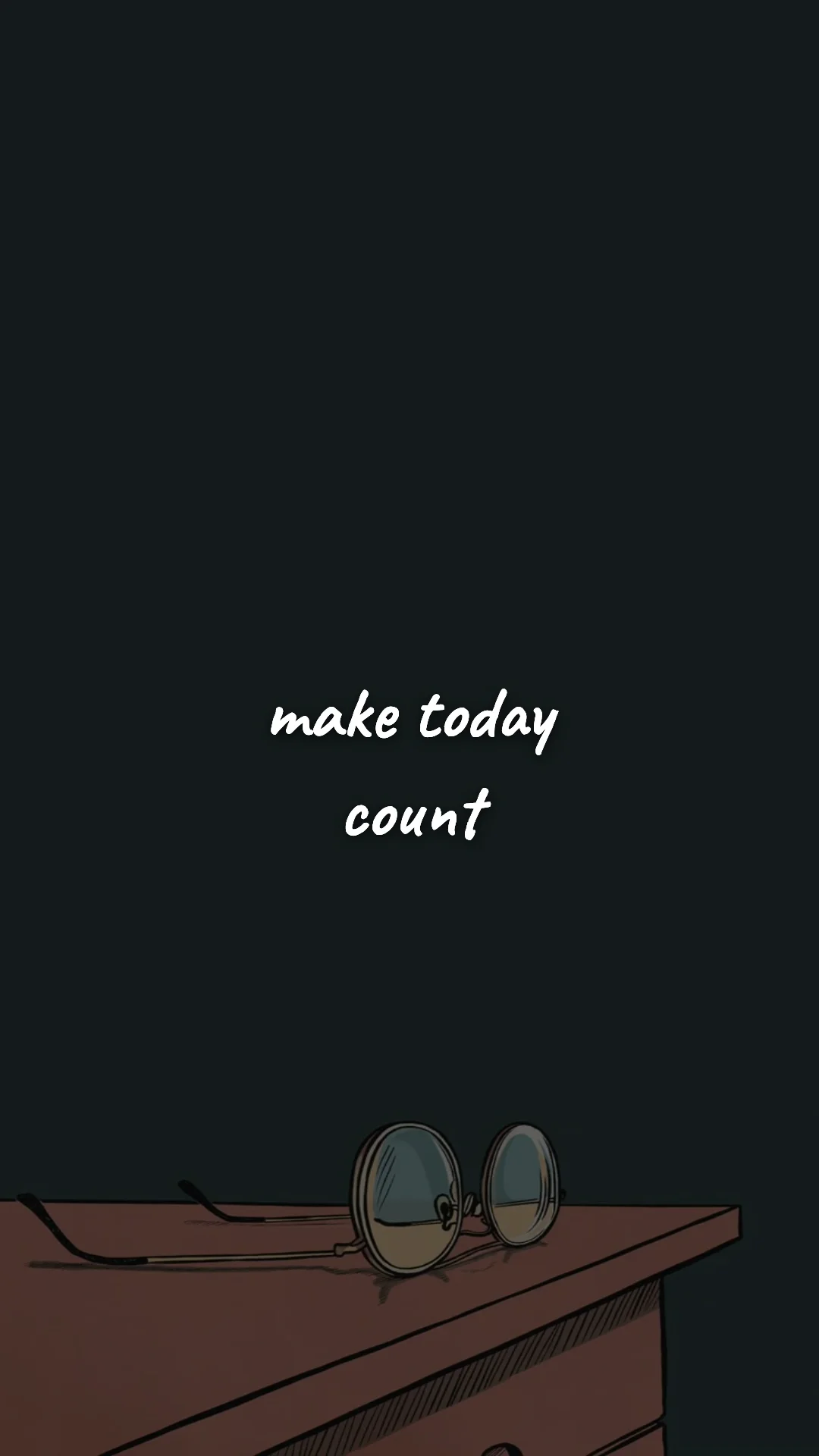
- Short. Under 10 words, ideally under 8. You glance at your lock screen — you don't read it. Long, beautiful, philosophical lines are wasted here. Save them for your home screen, journal, or printed wall.
- Behavioral. The best lock-screen quotes describe an action, not a feeling. "Do the work" outperforms "Believe in yourself." "Discipline over mood" outperforms "Stay positive." Feelings come and go; actions are repeatable.
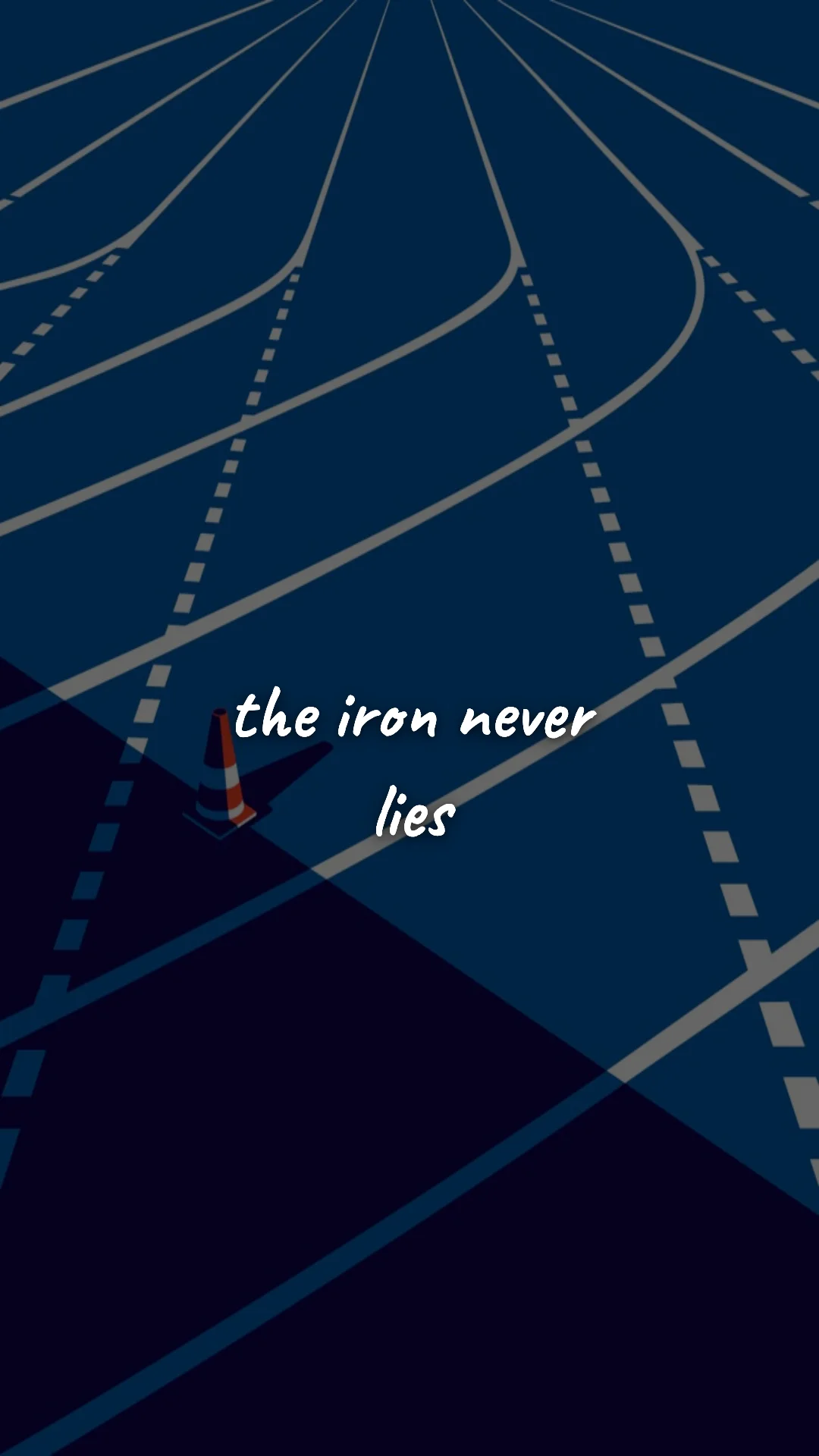
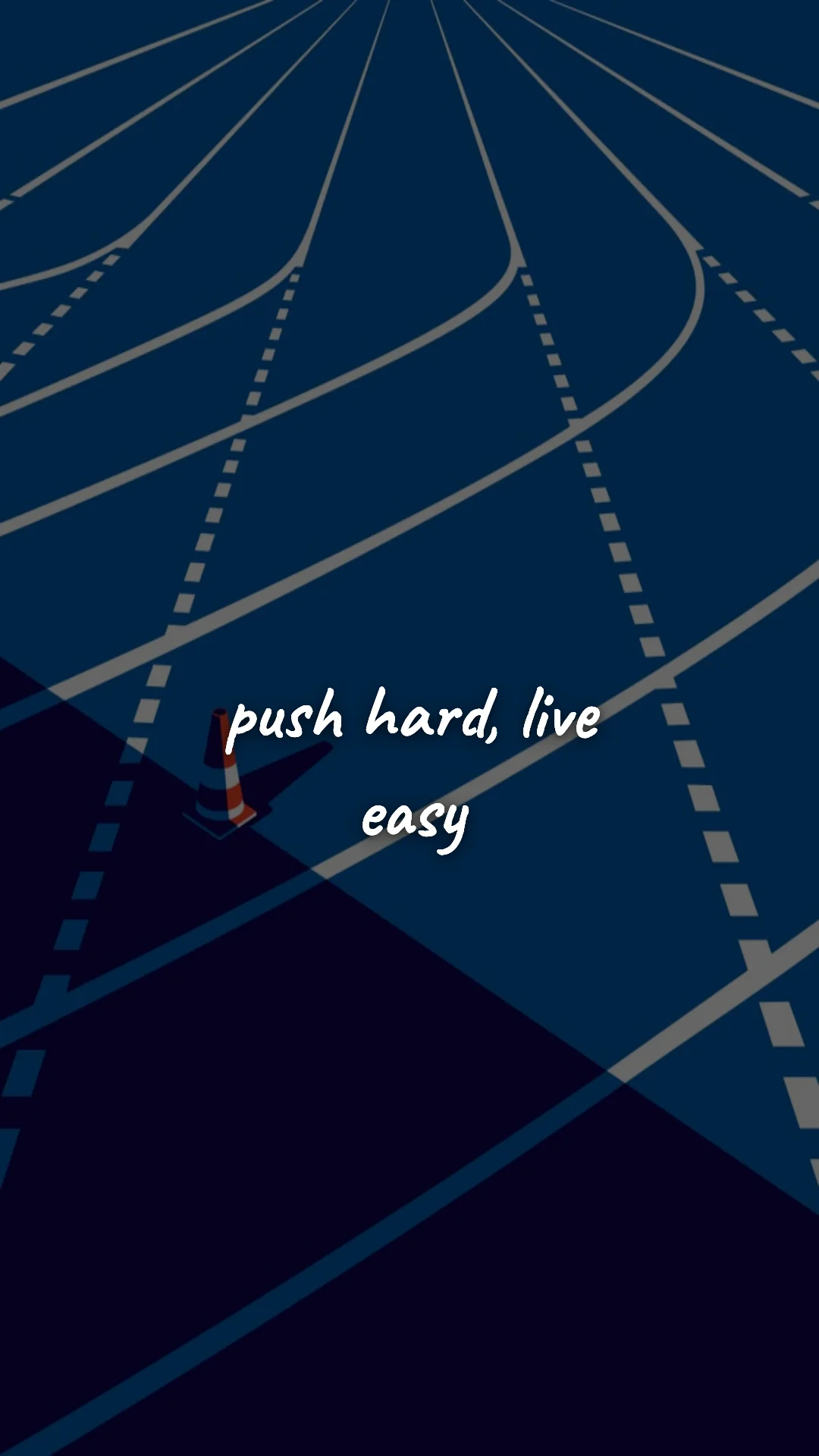
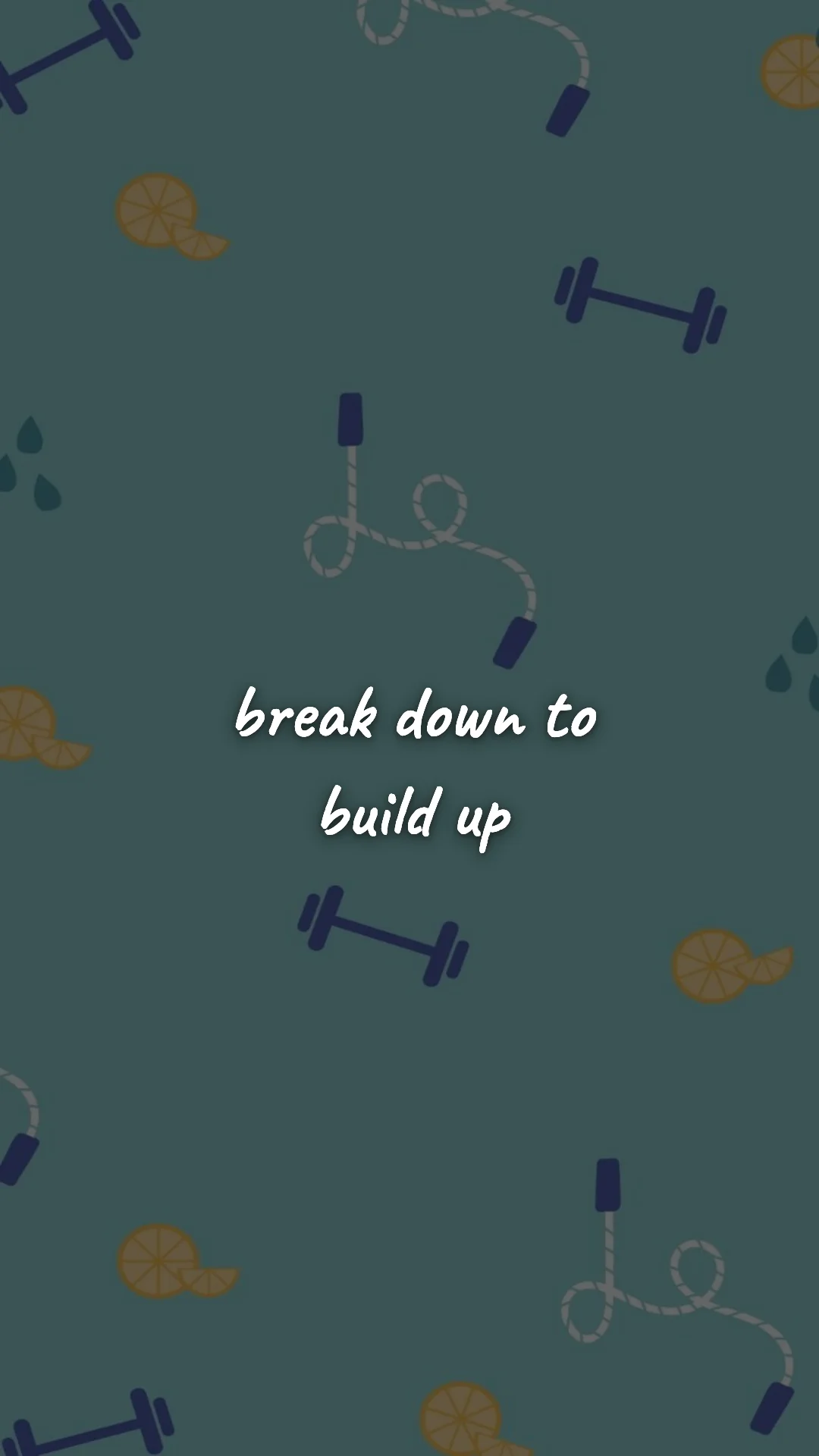
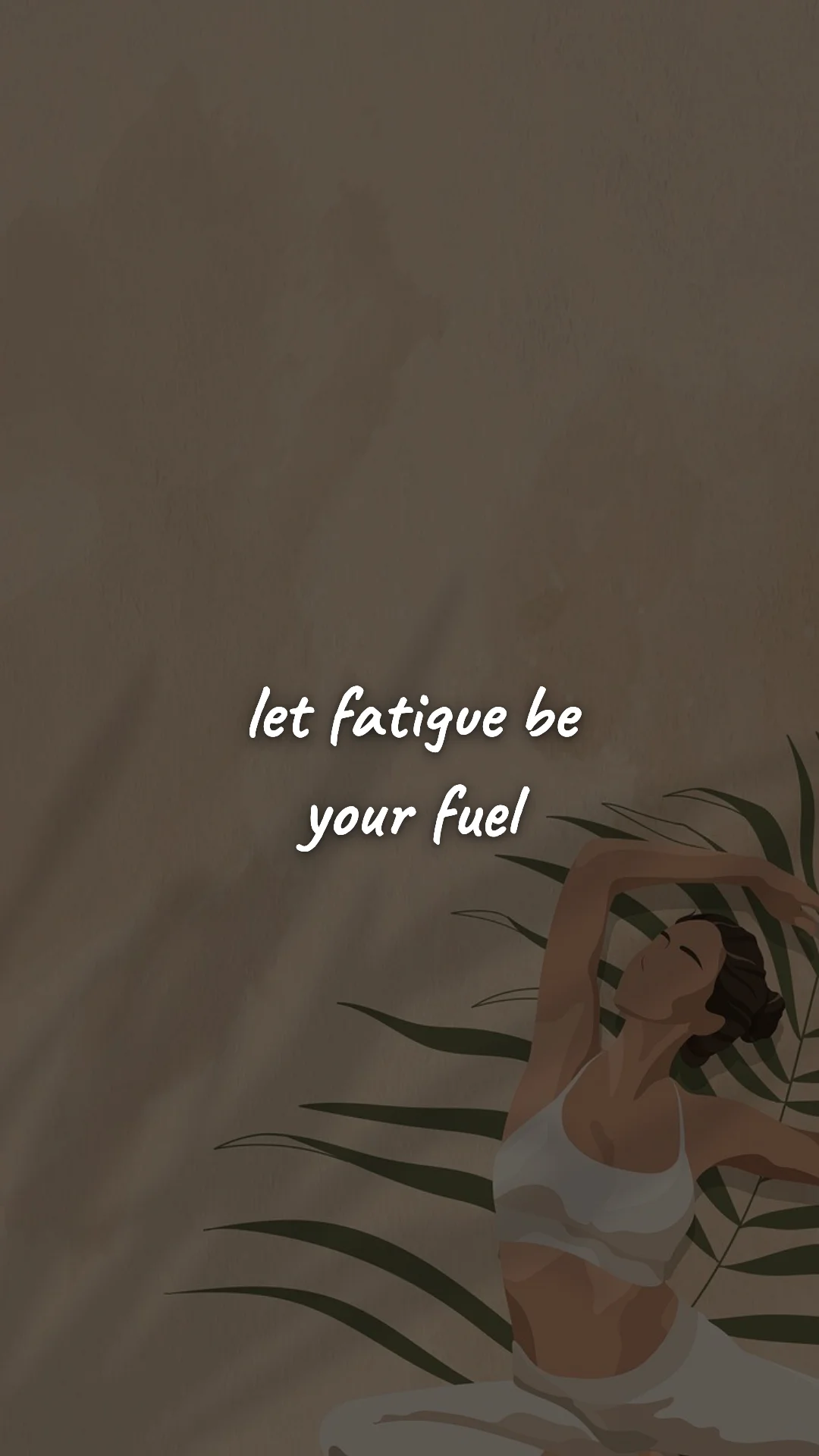
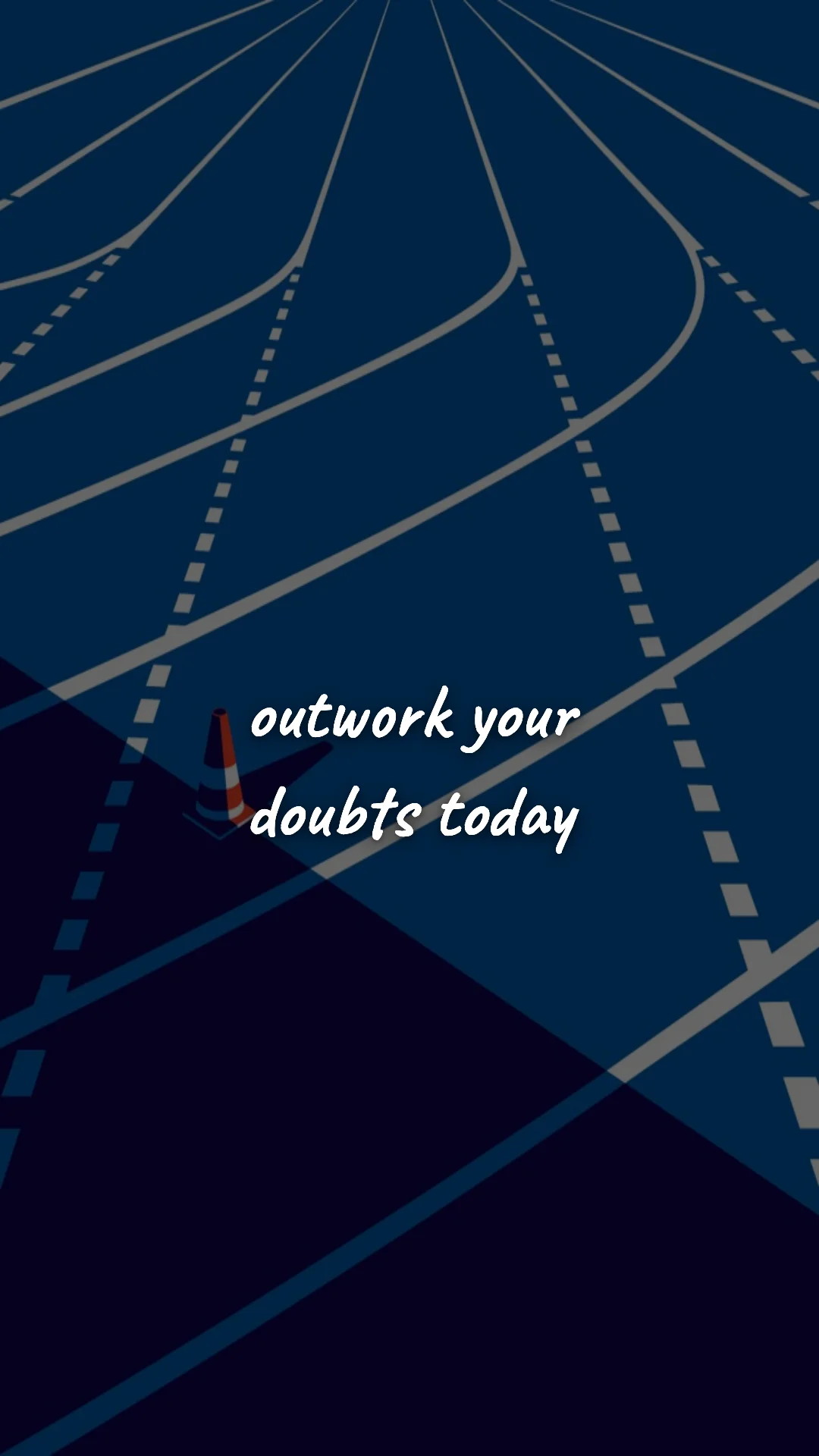
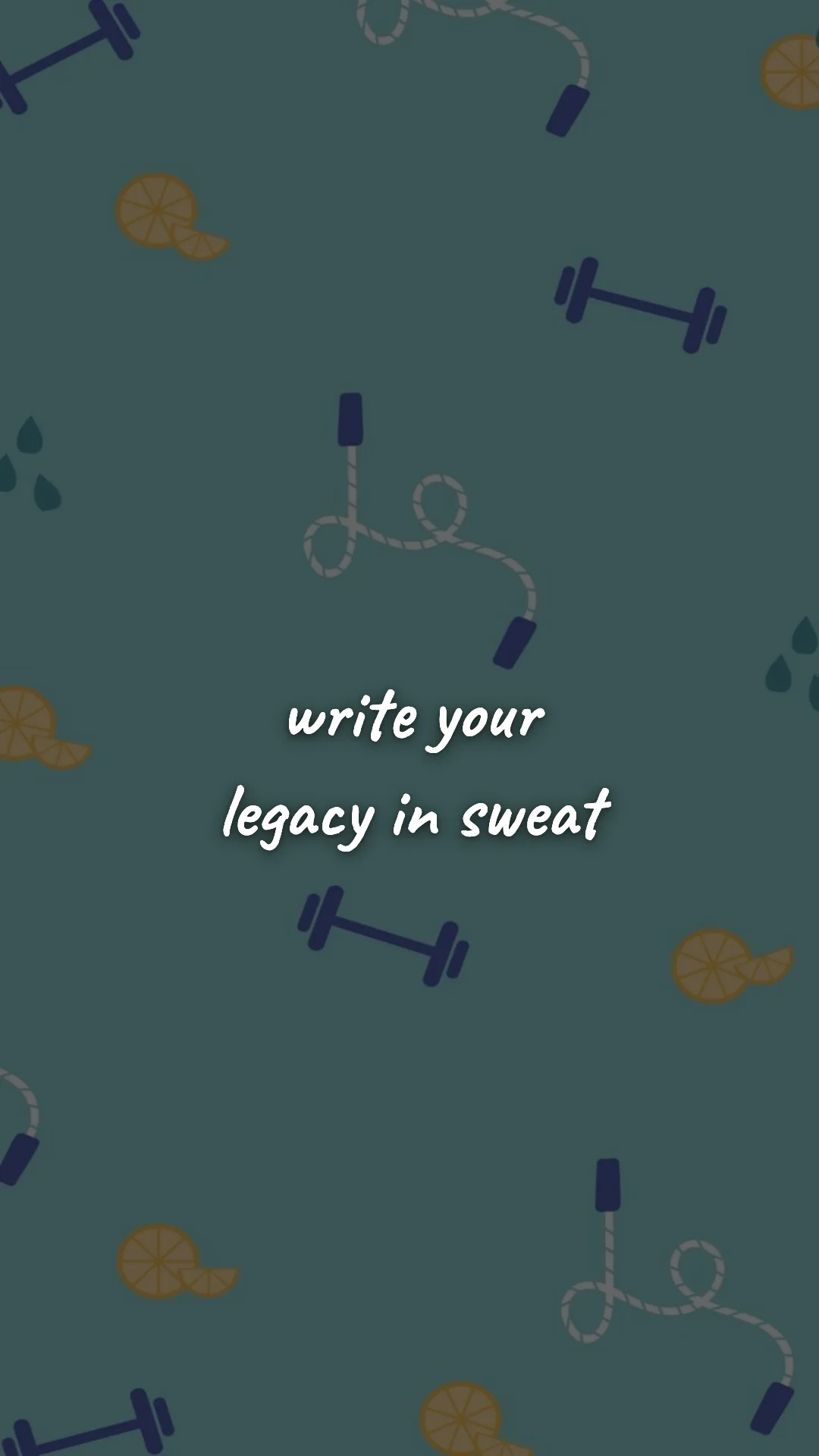
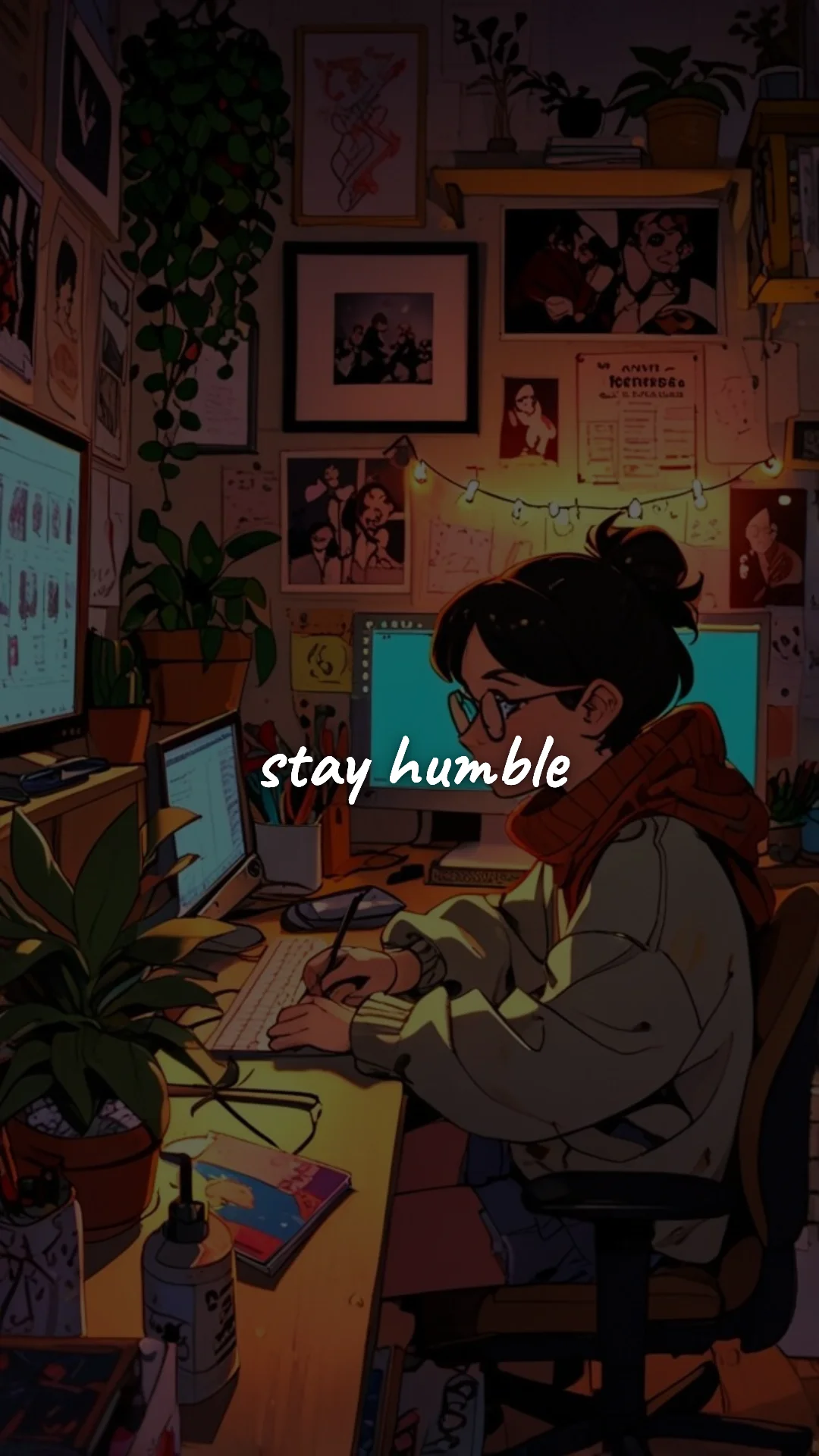
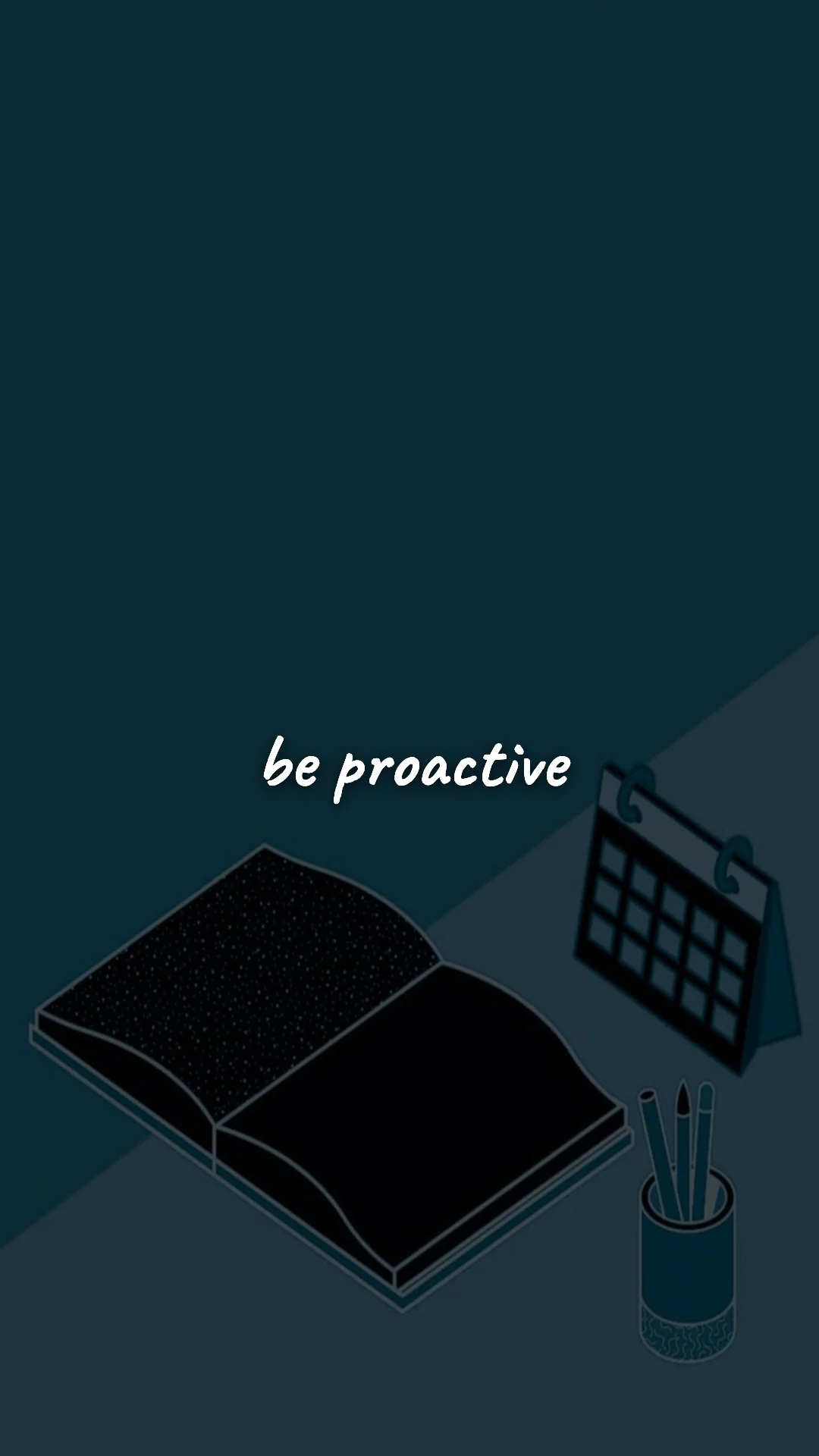
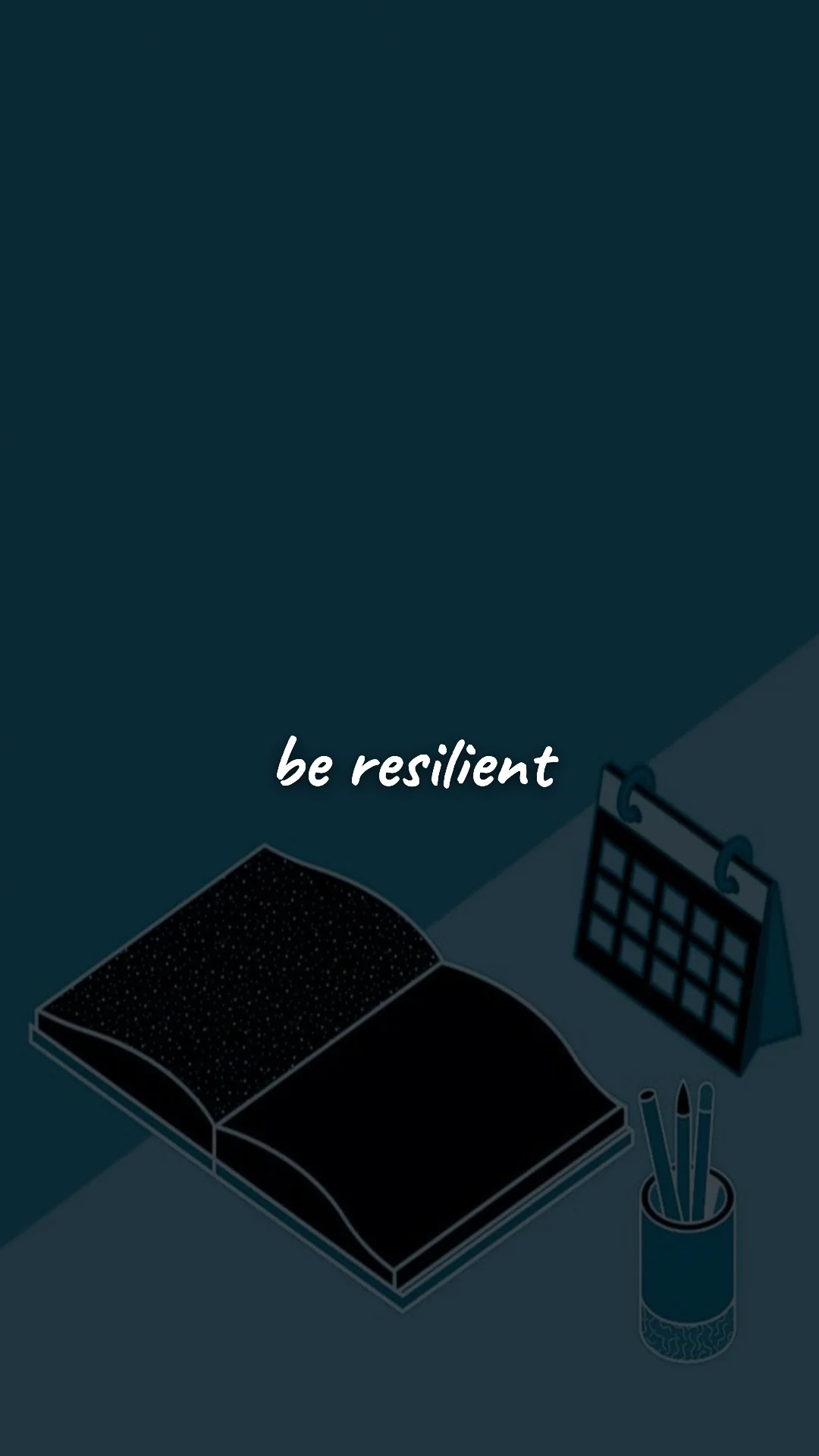
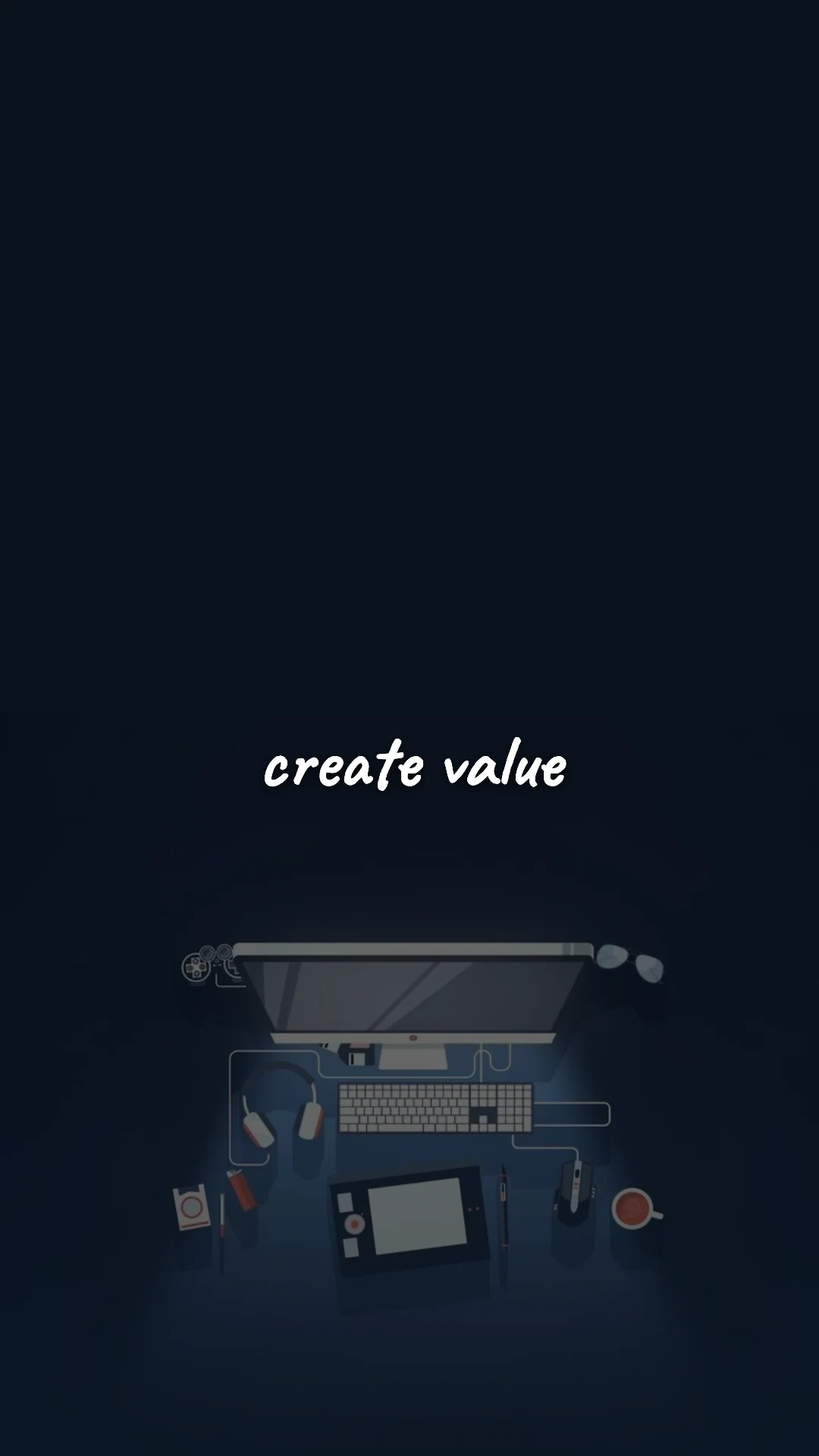
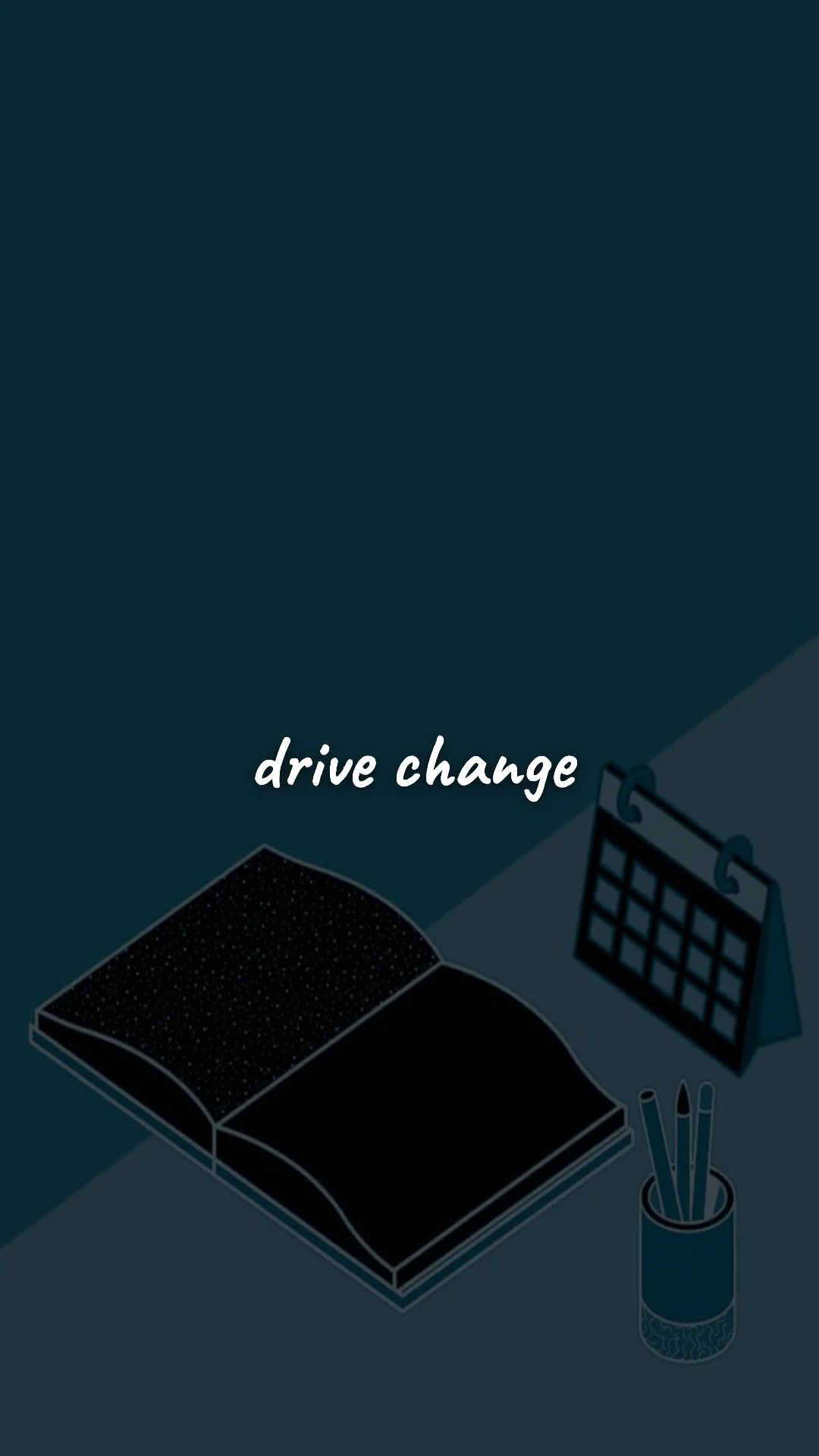
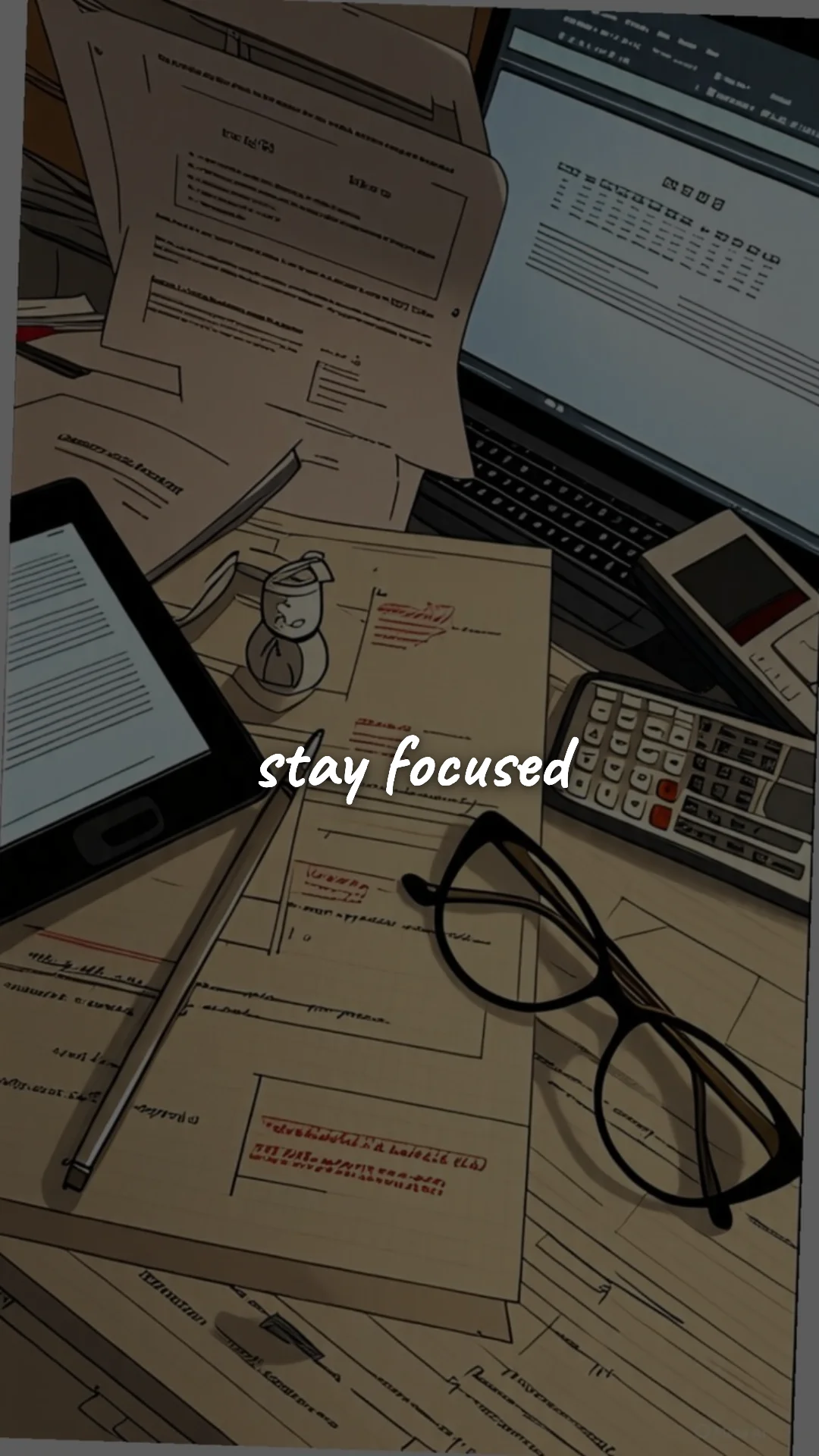
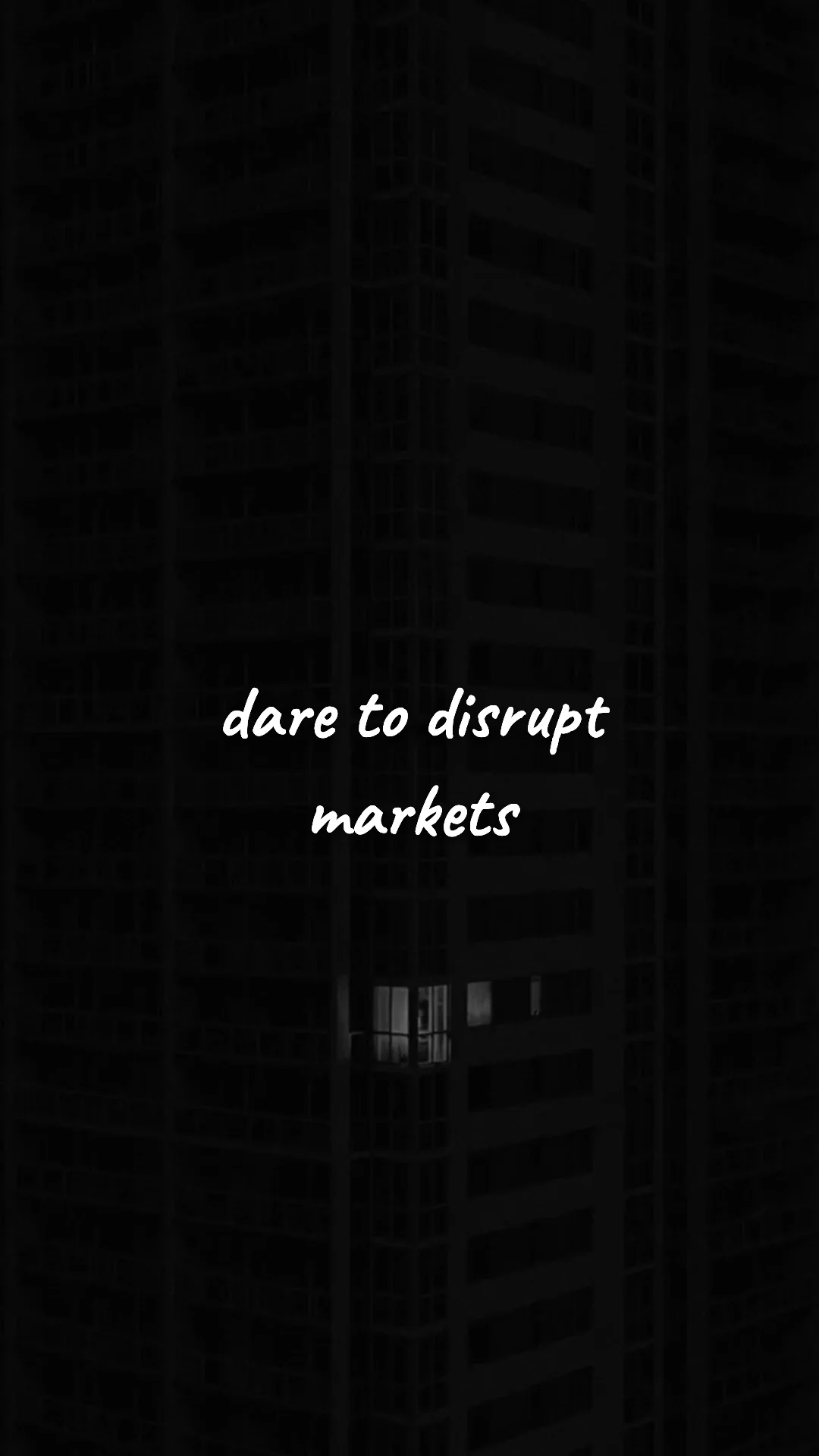
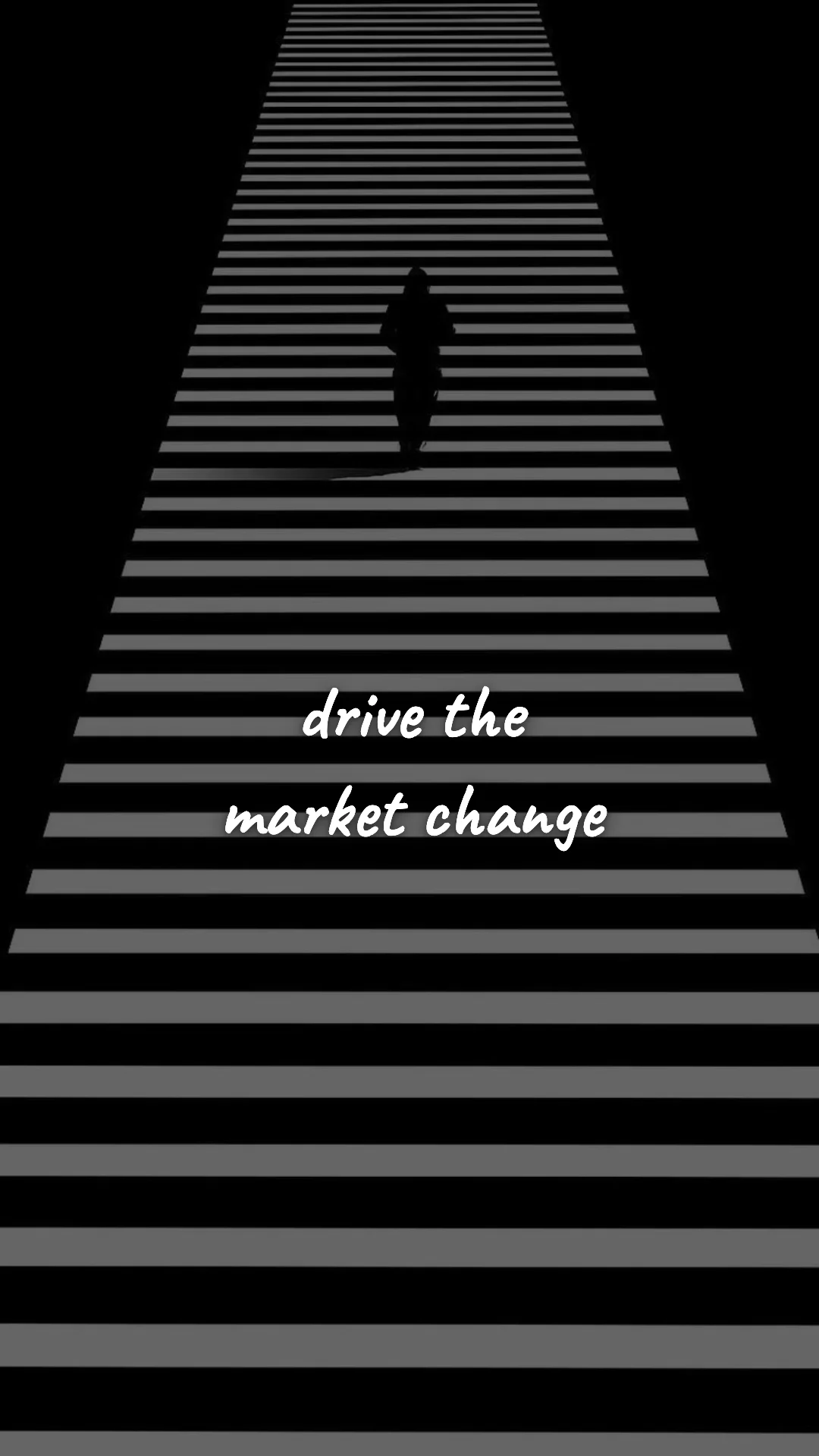
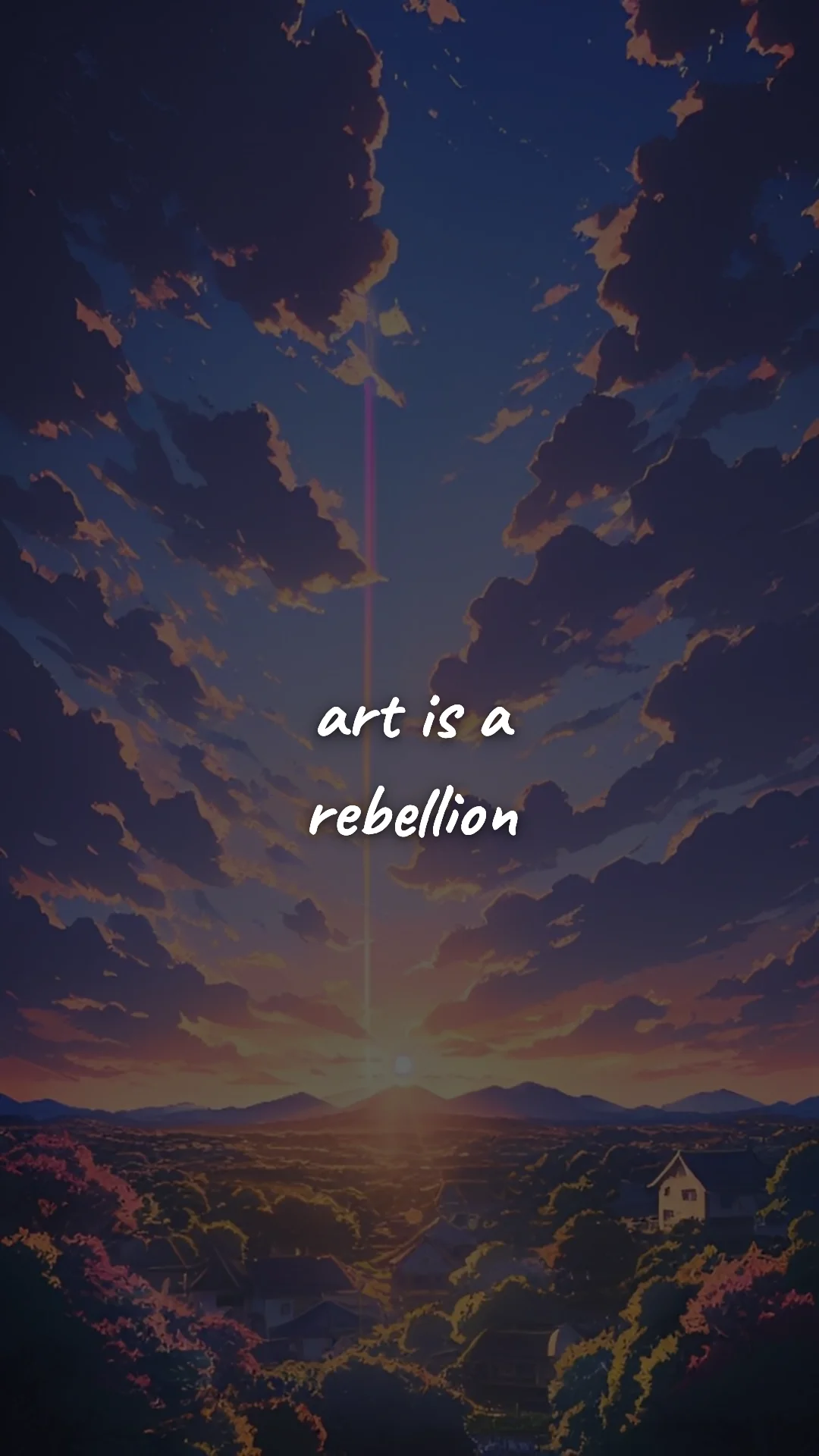
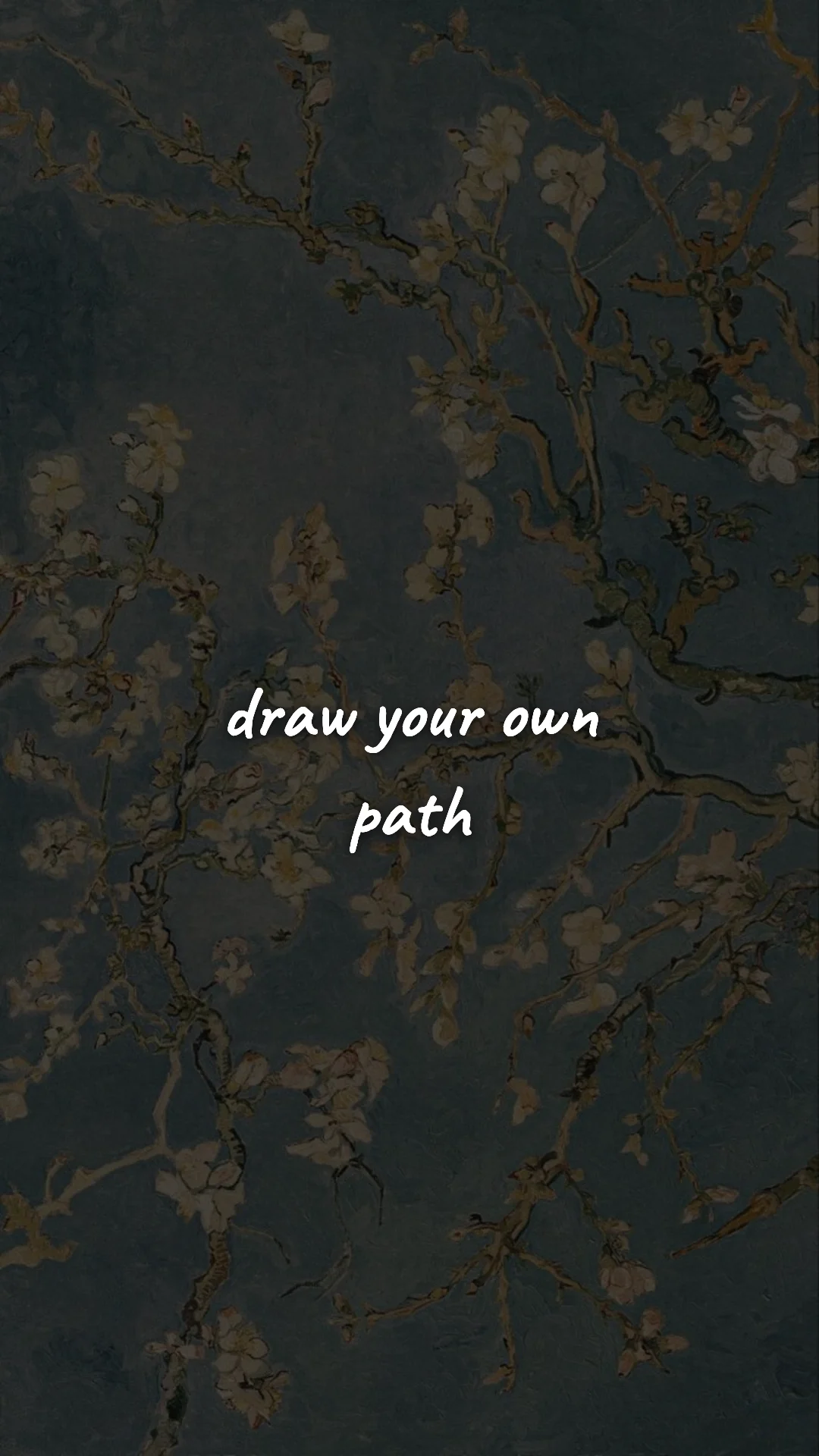
- High-contrast. White or off-white text on a dark background reads in every lighting condition — bright outdoor light, low gym light, 2 a.m. screen glare. Pretty gradient wallpapers fail the glance test. The wallpaper has to work in the worst-case lighting, not the best.
Best Lock Screen Quotes by What You're Working On
Match the quote to your current sticking point — not your favorite all-time line. A quote that hit hard last year may not be the one that fixes this week's problem.
- Building a workout habit? "Discipline is doing what you don't want to do." See more in Gym & Fitness wallpapers.
- Studying for exams? "Now or never." — short, sharp, exam-week appropriate. See Student wallpapers.
- Rebuilding after a setback? "Keep going. Quietly." — resilience without performance. See Discipline & Self-Growth wallpapers.
- Job-hunting or chasing a promotion? "Your work speaks. Let it." See Career wallpapers.
- Launching something of your own? "Build it anyway." See Entrepreneur wallpapers.
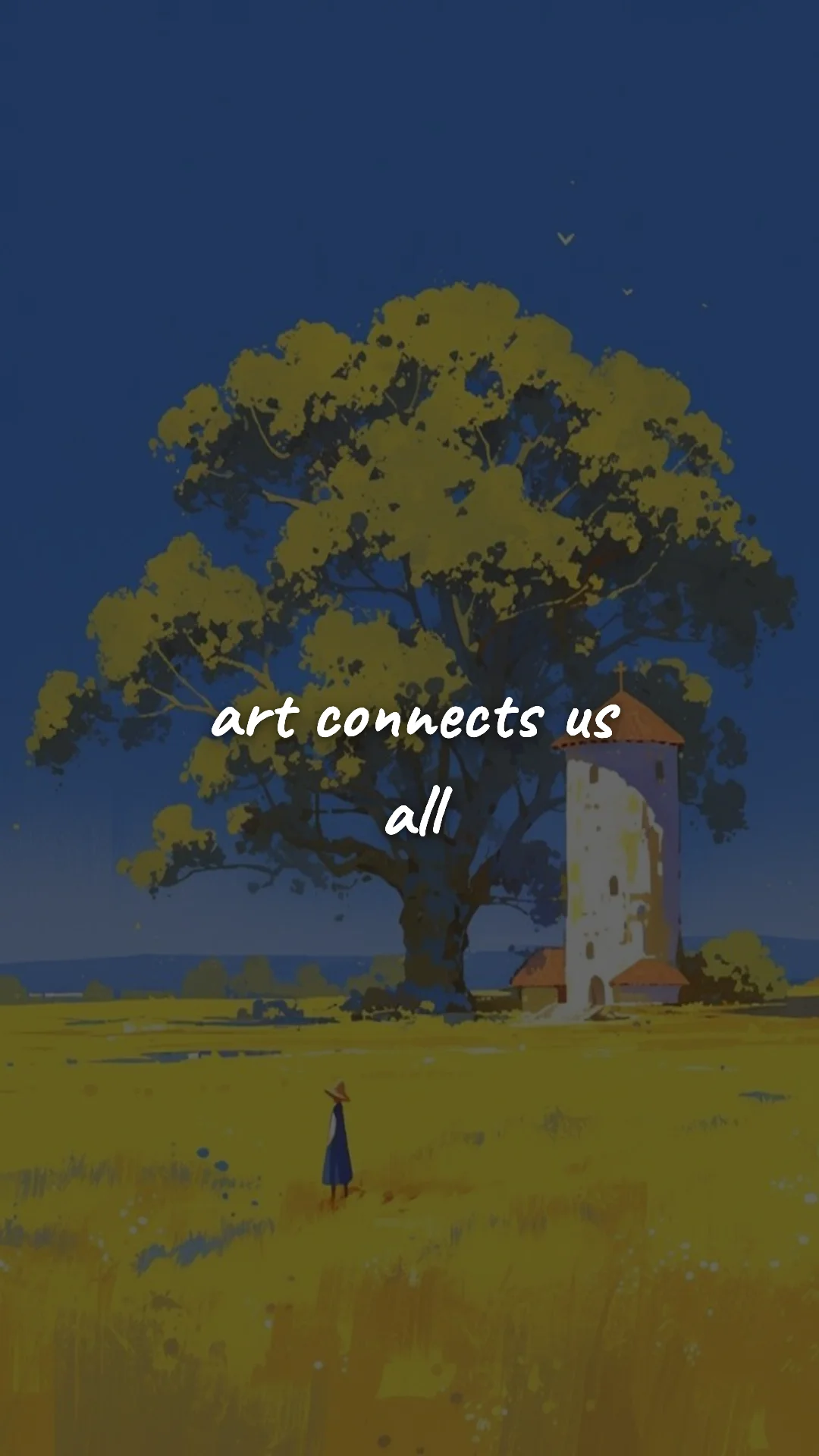
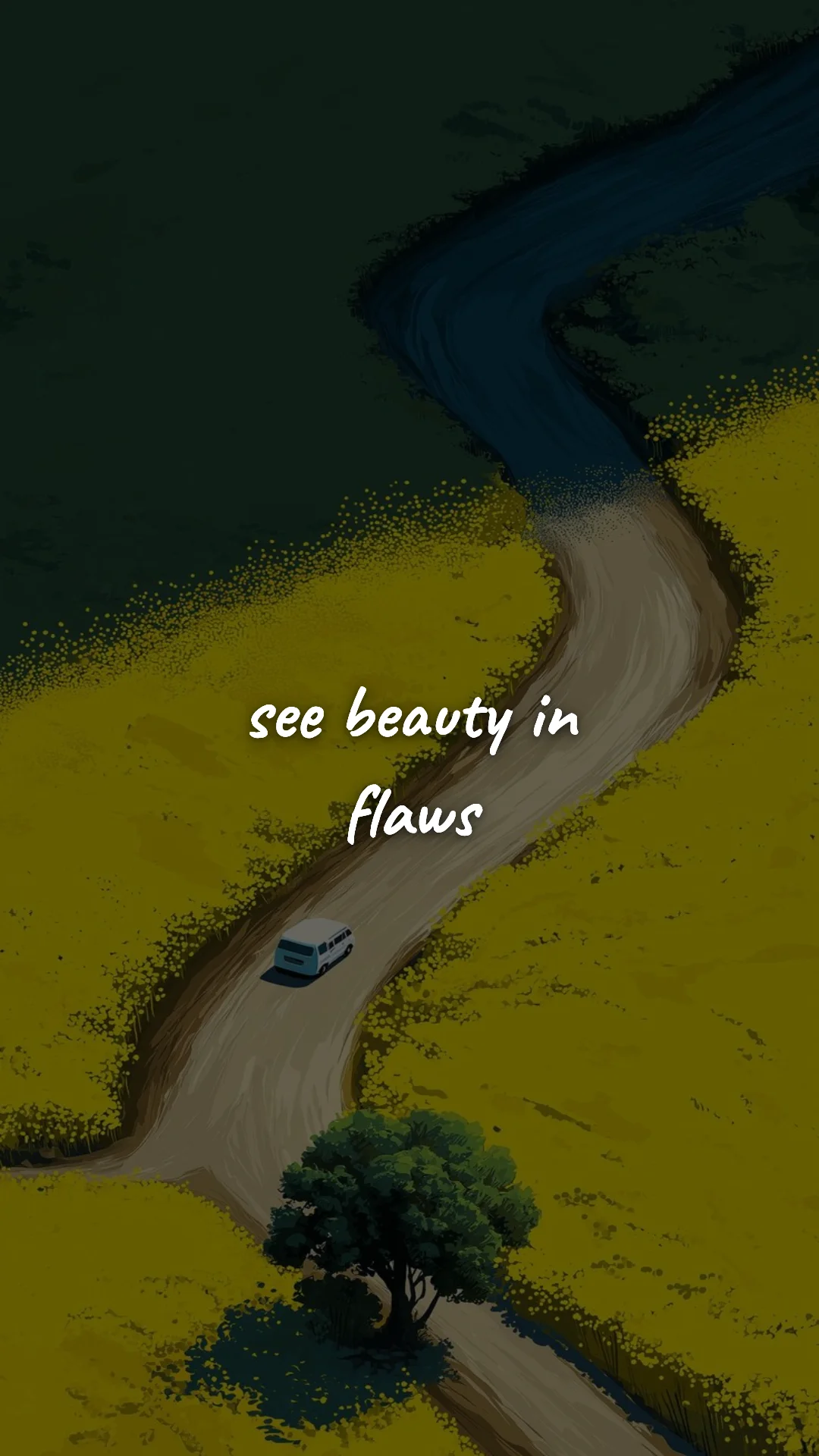
- Stuck in a creative rut? "Make bad work today." — gives permission to start. See Creativity wallpapers.
How to Set a Lock Screen Wallpaper on iPhone (iOS 16+)
- Tap any wallpaper above and long-press to save it to Photos.
- Open Settings → Wallpaper.
- Tap Add New Wallpaper → Photos.
- Pick the saved image. Pinch to position.
- Choose Set as Wallpaper Pair (lock + home) or Set Lock Screen only.
- iOS 16+ lets you create multiple wallpaper sets — make 3–4 different lock screens and switch between them as a built-in rotation.
How to Set a Lock Screen Wallpaper on Android
- Long-press a wallpaper above and tap Download.
- Open your gallery, long-press the image, and tap Set as wallpaper.
- Choose Lock Screen (or Both, if you want it on home screen too).
- On Samsung: install Good Lock from the Galaxy Store, then add the WallpaperEx module — it can rotate lock-screen wallpapers automatically (a fix for habituation).
Lock Screen vs Home Screen Strategy
Don't put the same quote on both. They're two different surfaces with two different jobs.
Your lock screen is your interruption point — the place where you're about to do something autopilot (open Instagram, check Slack, reply to that email). A short, behavioral quote here punches you out of autopilot for half a second. That half-second is the entire fight.
Your home screen is your dwell point — you spend a few seconds here picking which app to open. Longer, identity-level quotes work here. "You're building someone who finishes things." "You don't bail on yourself anymore." The lock screen disrupts a behavior; the home screen reinforces an identity.
Make Your Own Lock Screen Quote Wallpaper
The most powerful lock-screen quote is usually one only you would write — something from your coach, your therapist, a journal entry, a parent, a friend who knows your specific patterns. The free quote wallpaper maker turns any text into a lock-screen-ready wallpaper in about 30 seconds. Pick the phone size, type your line, choose a high-contrast font, and download in HD. No signup, no watermark, no payment.
Want a lock screen wallpaper with your own quote?
Open the Wallpaper Maker →Frequently Asked Questions
A great lock-screen quote is short (under 10 words), high-contrast, and behavioral. You glance at your lock screen 80–100 times a day — most of those glances last under a second, so the quote has to land instantly. Save longer, philosophical quotes for your home screen.
iOS 16+: Long-press any wallpaper here → Save Image. Open Settings → Wallpaper → Add New Wallpaper → Photos → pick the saved image → Set as Wallpaper Pair (Lock + Home) or Lock Screen only.
Long-press the saved image in your gallery → Set as wallpaper → Choose "Lock Screen". On Samsung devices, Good Lock's WallpaperEx can rotate lock-screen wallpapers automatically throughout the day.
Yes — every wallpaper is 100% free, no signup, no watermark, no payment. All are 1080×1920 (HD portrait) so they look crisp on iPhone 15, 16, 17 (including 17 Pro Max and iPhone Air) and every modern Android phone.
Yes. The free quote wallpaper maker lets you type any text, choose a font and background, and download in HD — built specifically to be readable on a lock screen. Takes about 30 seconds.
Every 2 to 4 weeks. Lock screens hit habituation faster than any other surface — your eyes literally stop registering the quote after you've seen it 500+ times. Monthly rotation keeps it active.
More Wallpaper Categories
- Discipline & Self-Growth — never-give-up wallpapers
- Gym & Fitness Motivation — workout discipline wallpapers
- Student Motivation — focus and exam-season wallpapers
- Career Motivation — promotion and job-hunt wallpapers
- Entrepreneur Motivation — startup grind wallpapers
- Creativity — creative-block and artist wallpapers
- All Wallpaper Categories →